01
Check your photos
Try up to five photos first. Photo Hub checks file quality, resolution, exposure, blur, tilt and vertical alignment without storing the test files.

Capture or upload property photos, check their quality, and send them for individual professional editing and human review. Photo Hub keeps the finished, listing-ready delivery organized with its property.
Choose how you want to start

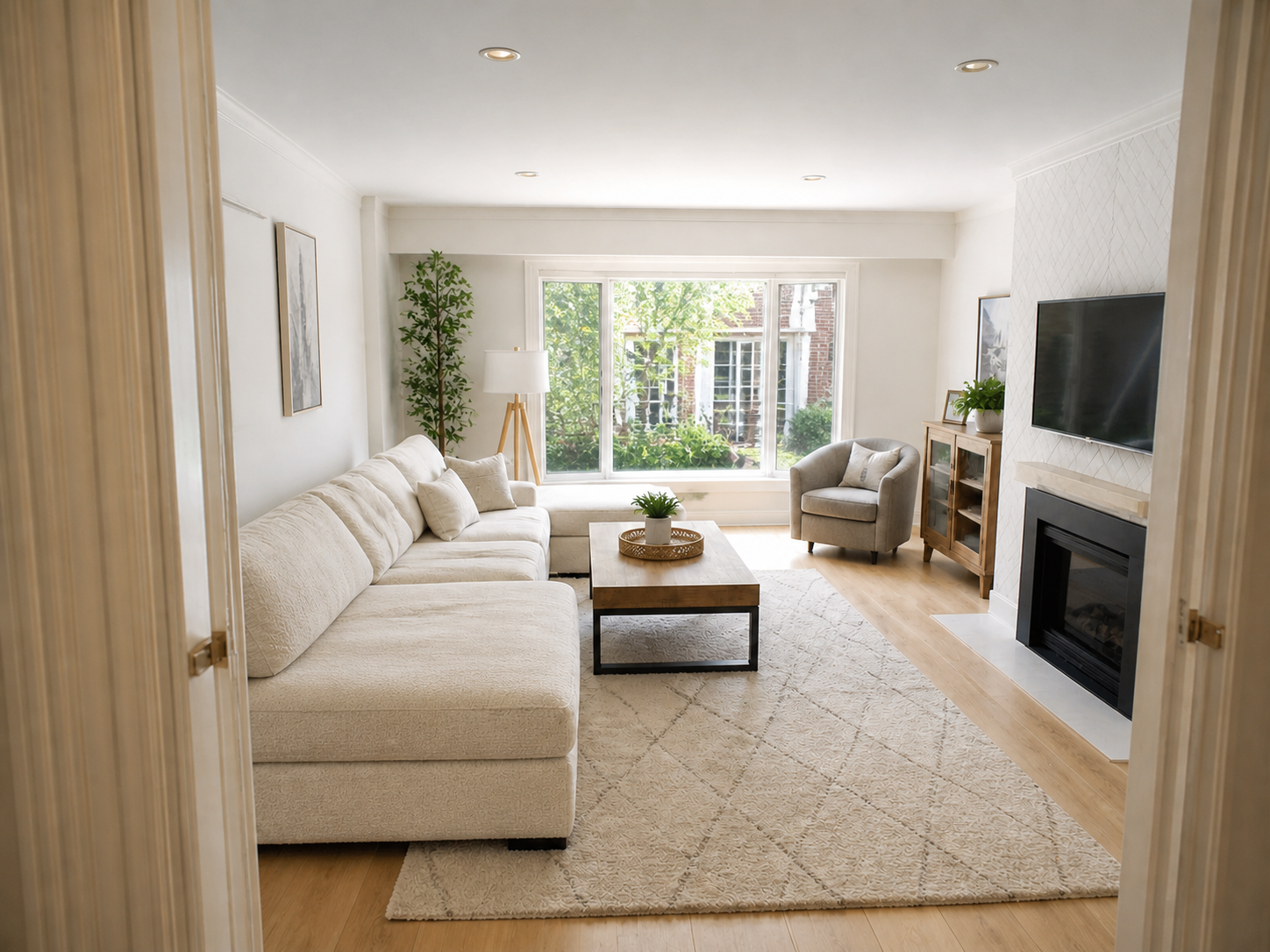
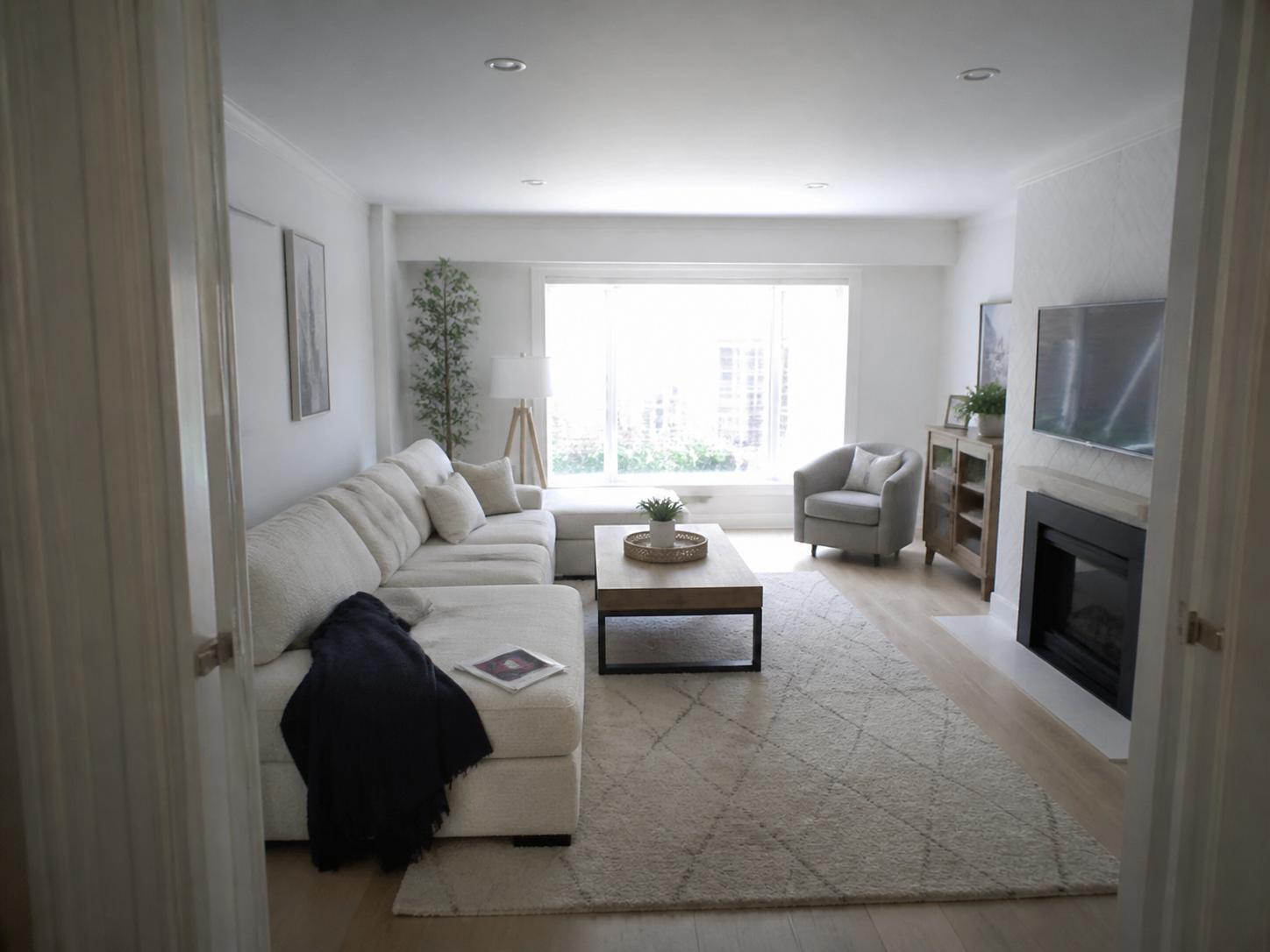 Phone originalFinished photo
Taken on a phone. Finished for a listing.
Drag the handle to compare the matched original and professionally edited photo.
Explore the same fifteen interior and exterior editing scenarios available in the mobile app. These temporary demonstrations will be replaced with approved portfolio examples.
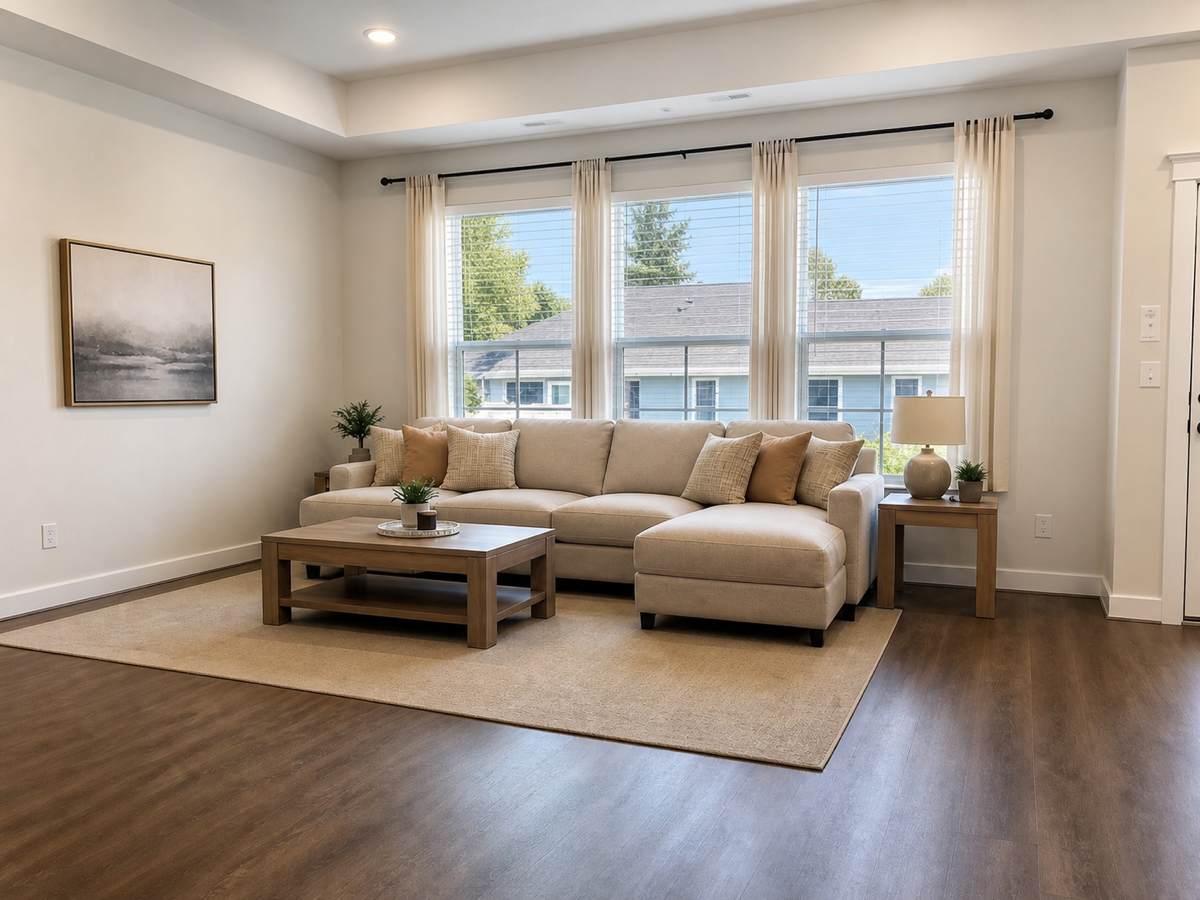
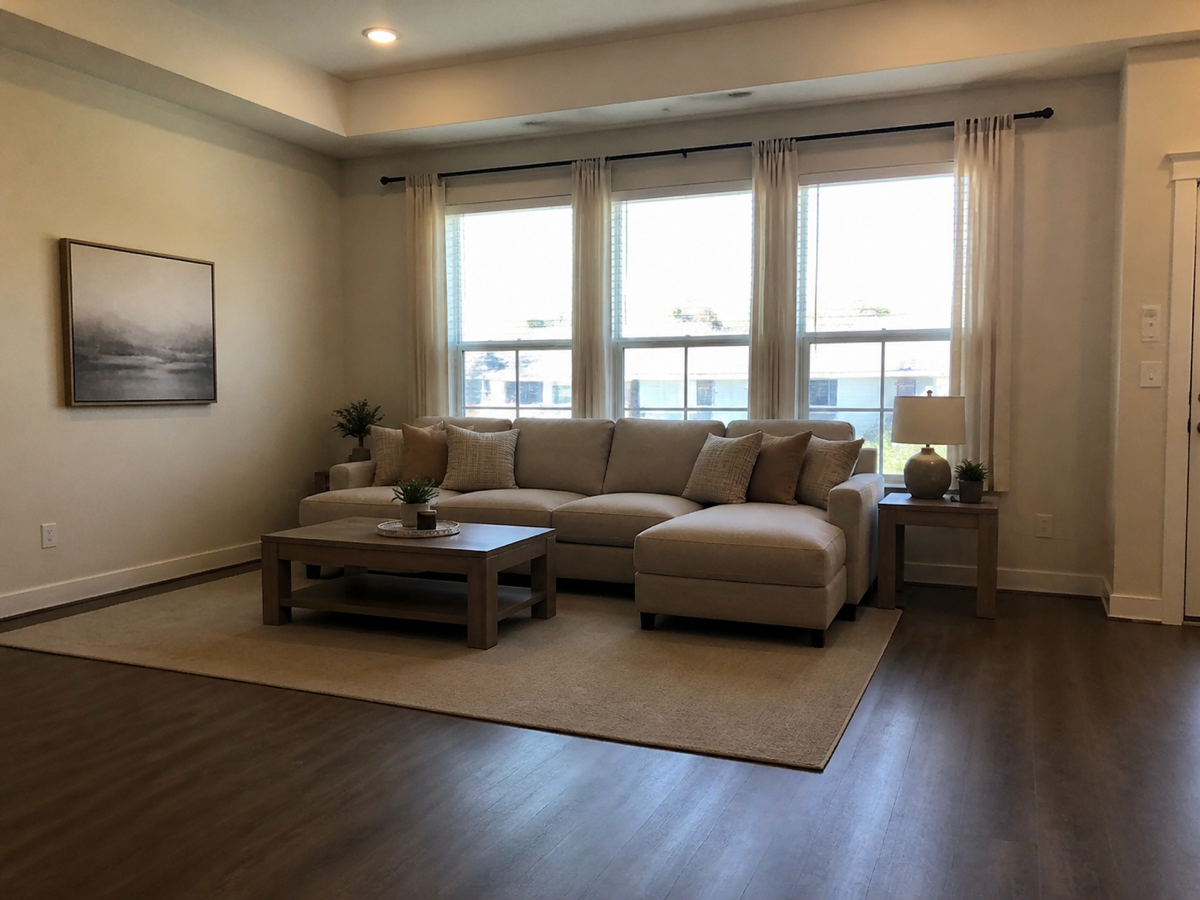 BeforeAfter
Drag the centre handle left or right, or focus it and use the arrow keys.
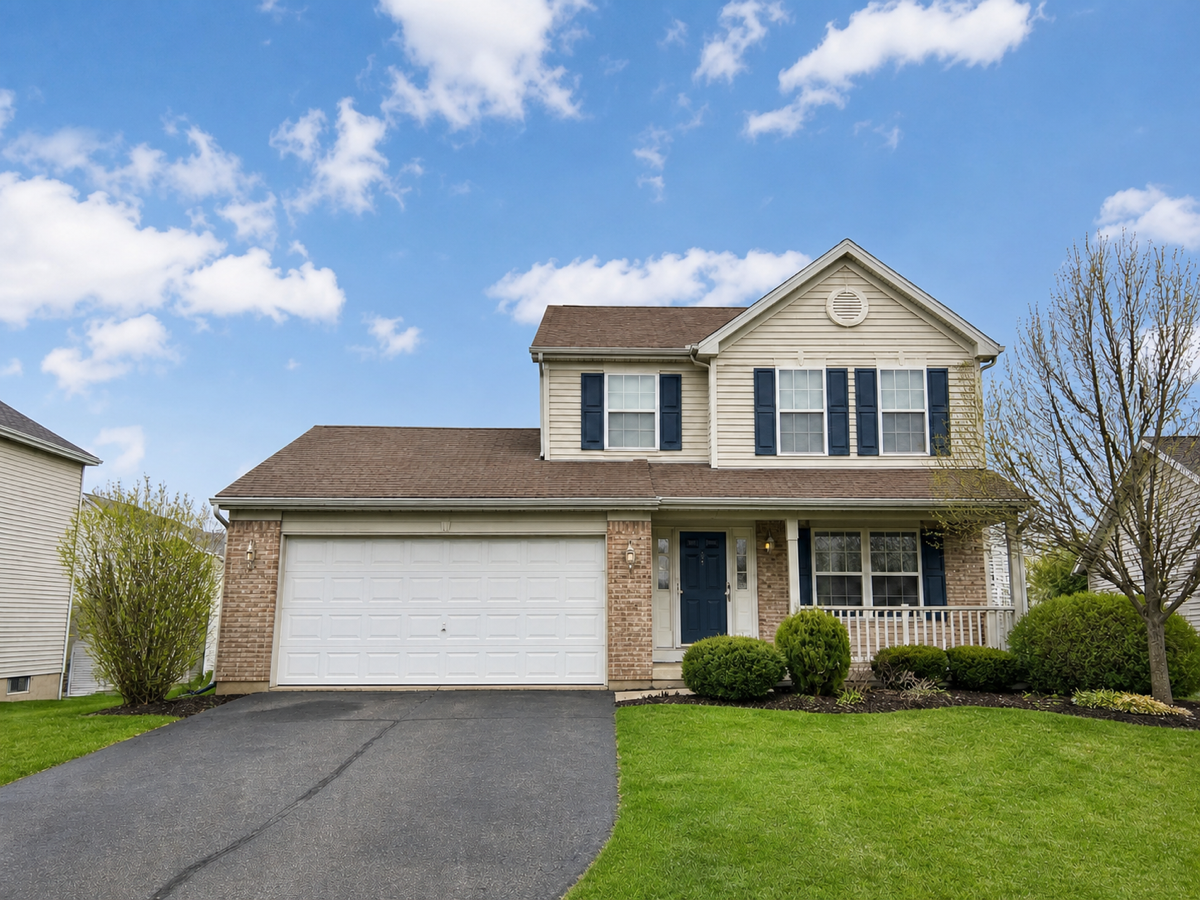
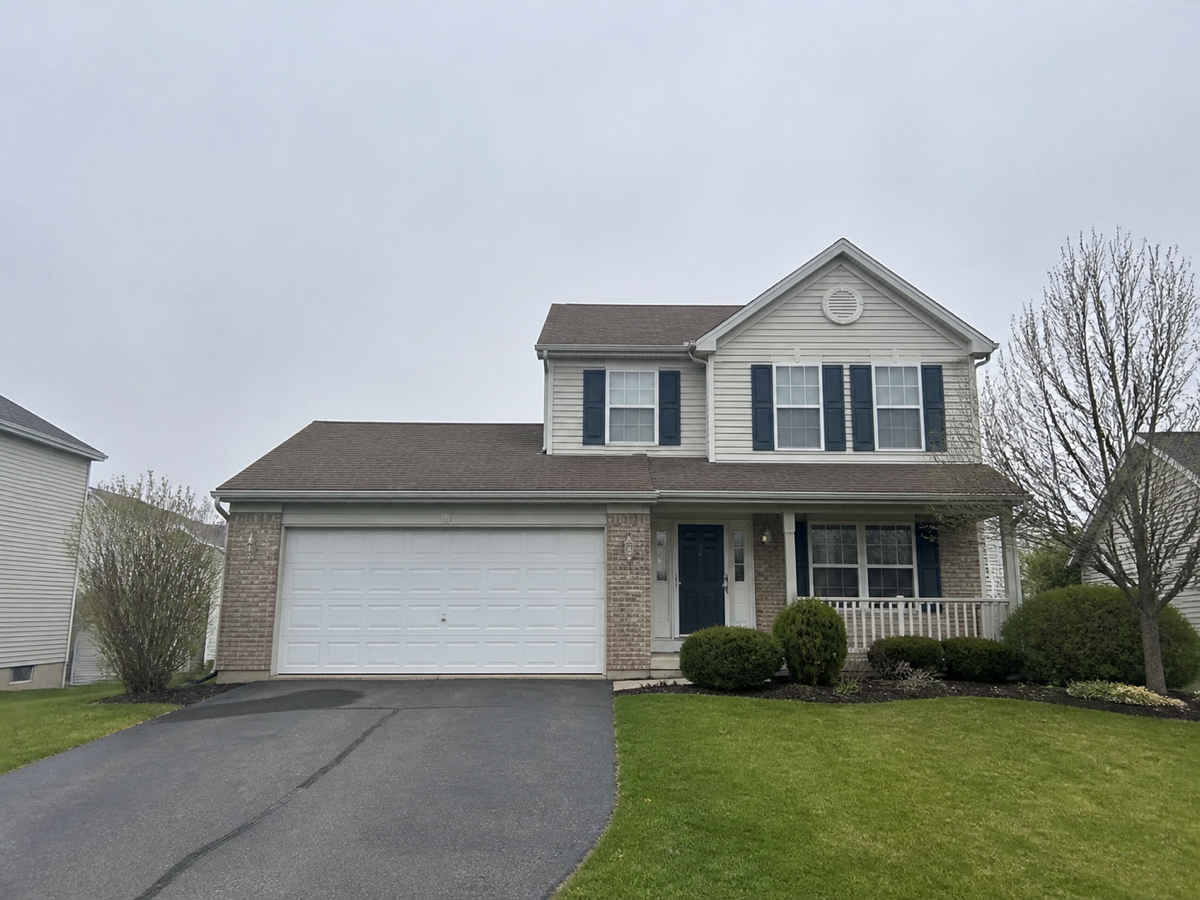 BeforeAfter
Drag the centre handle left or right, or focus it and use the arrow keys.
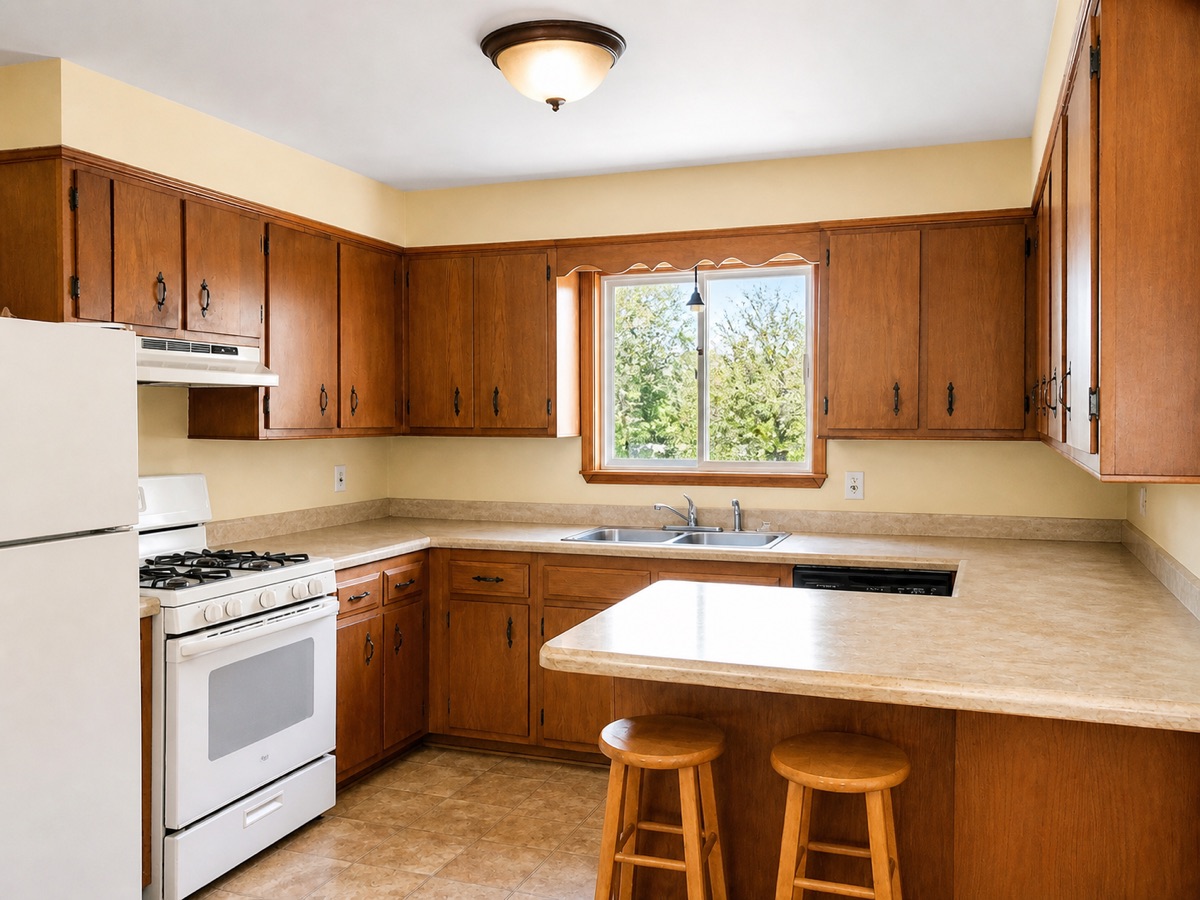
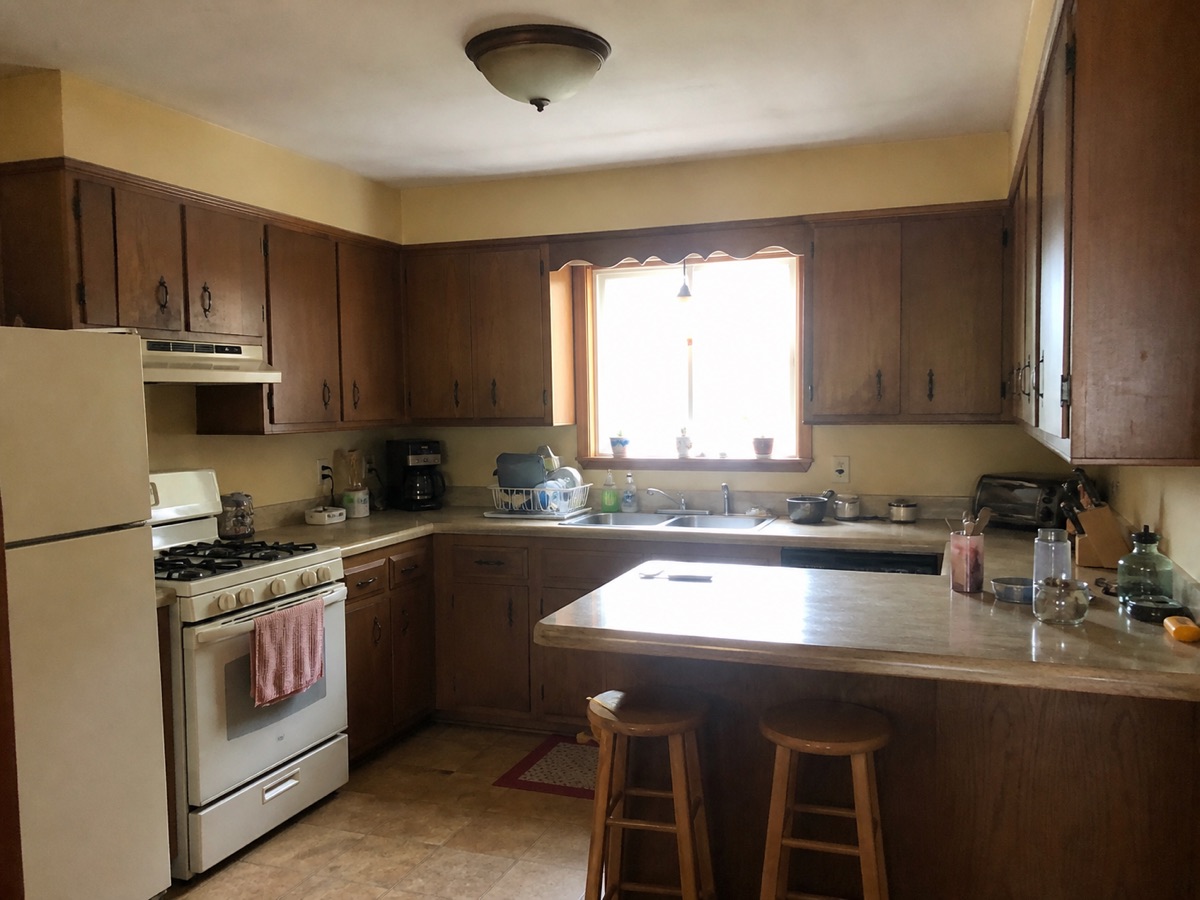 BeforeAfter
Drag the centre handle left or right, or focus it and use the arrow keys.
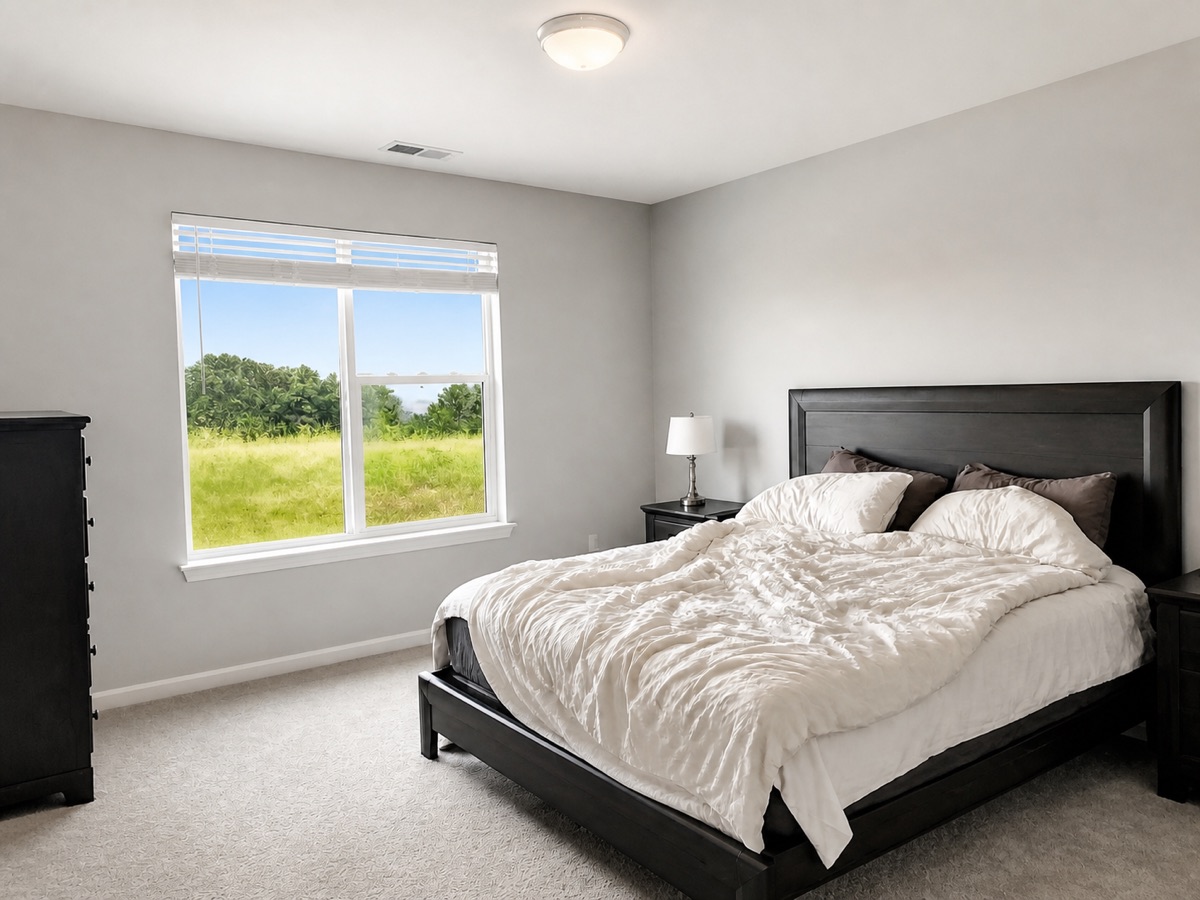
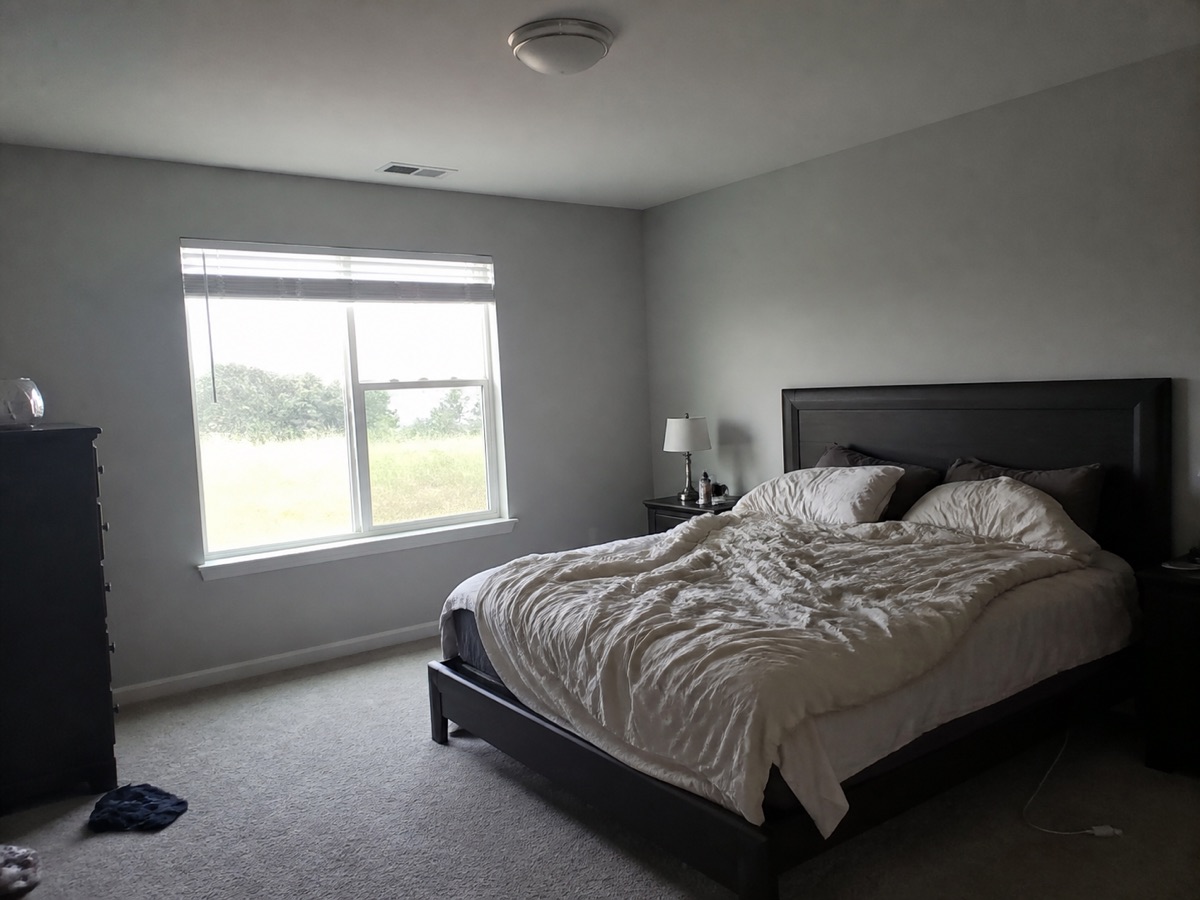 BeforeAfter
Drag the centre handle left or right, or focus it and use the arrow keys.
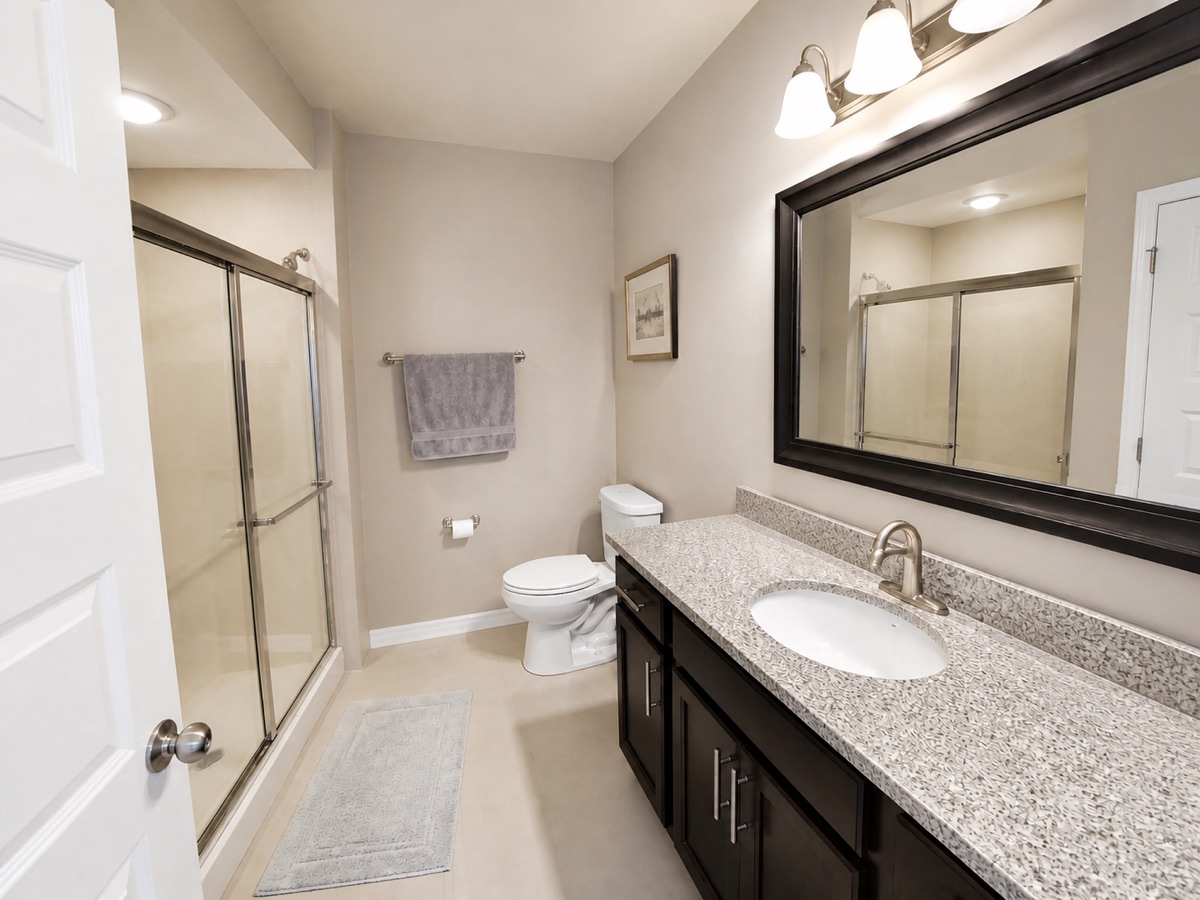
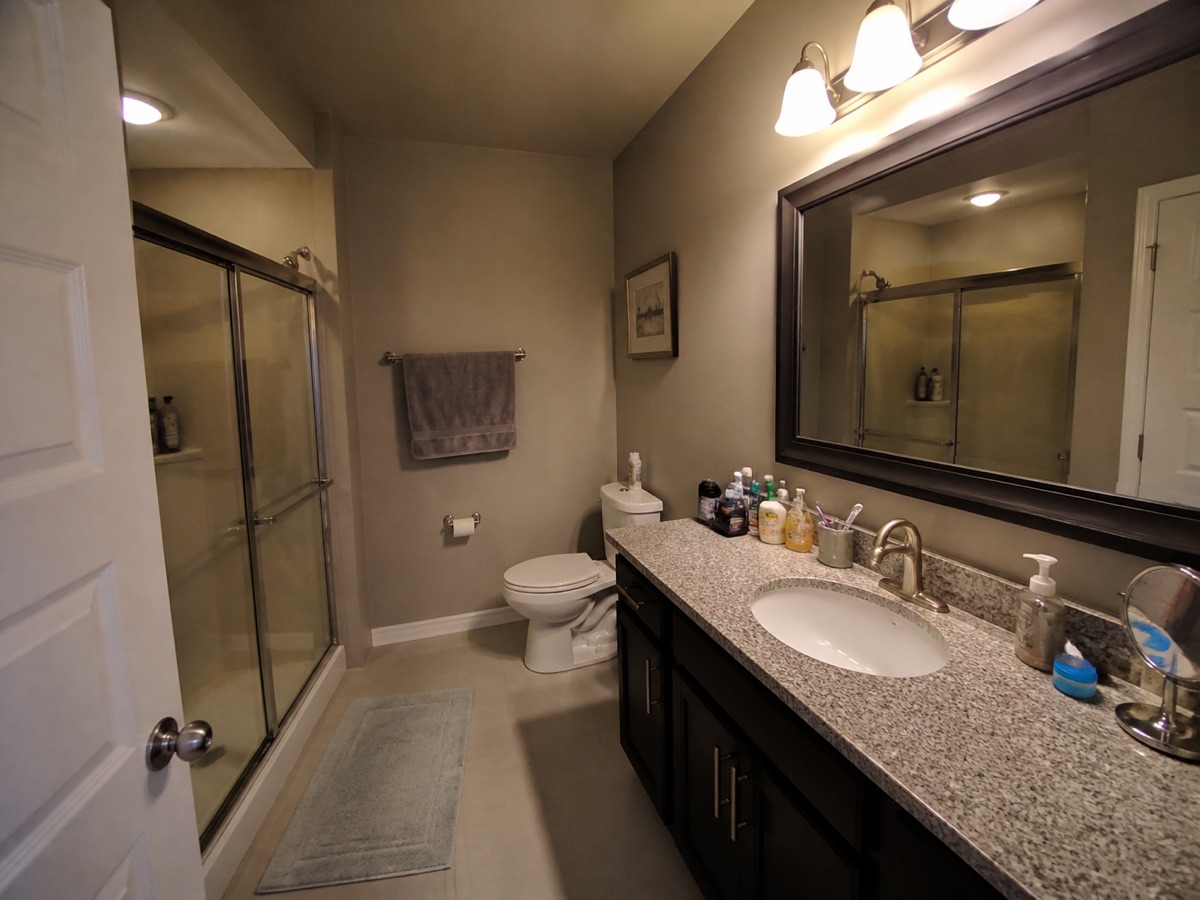 BeforeAfter
Drag the centre handle left or right, or focus it and use the arrow keys.
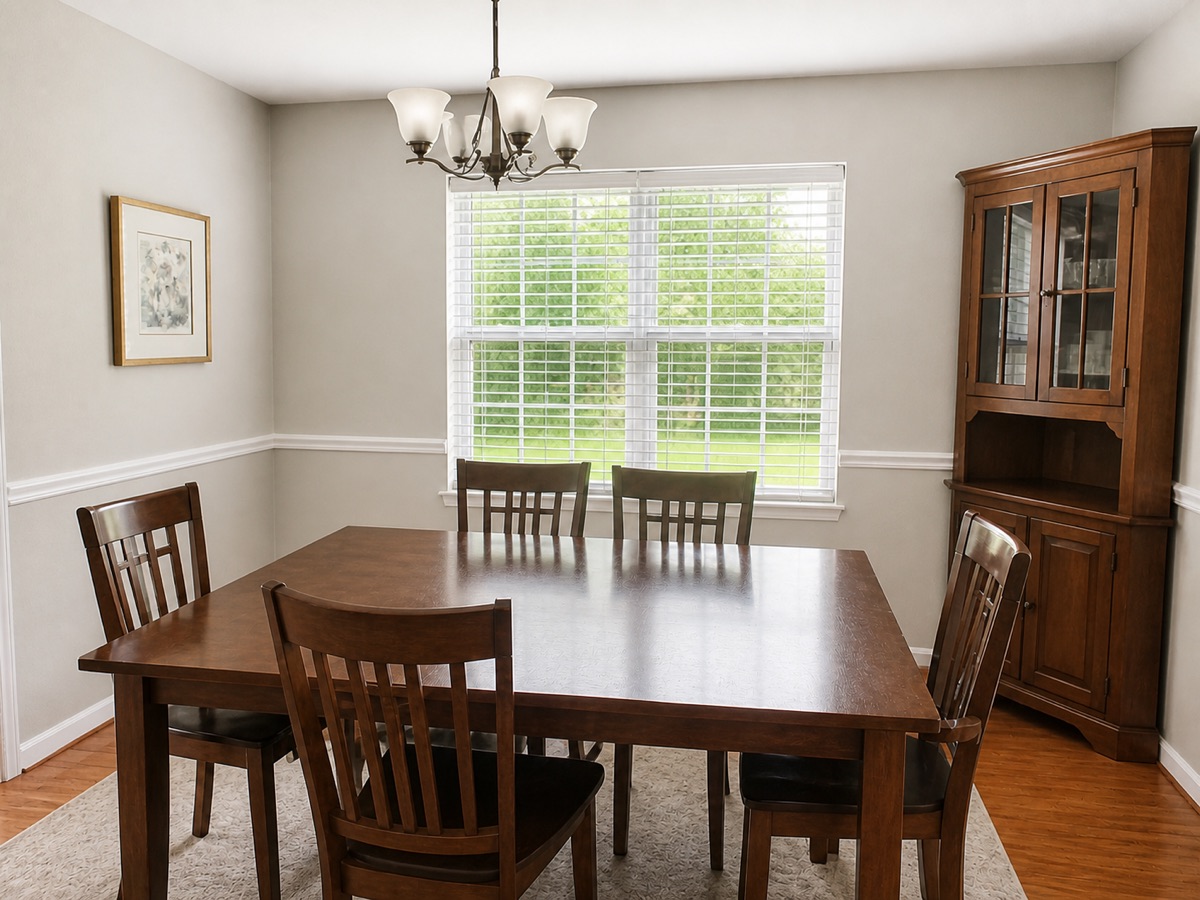
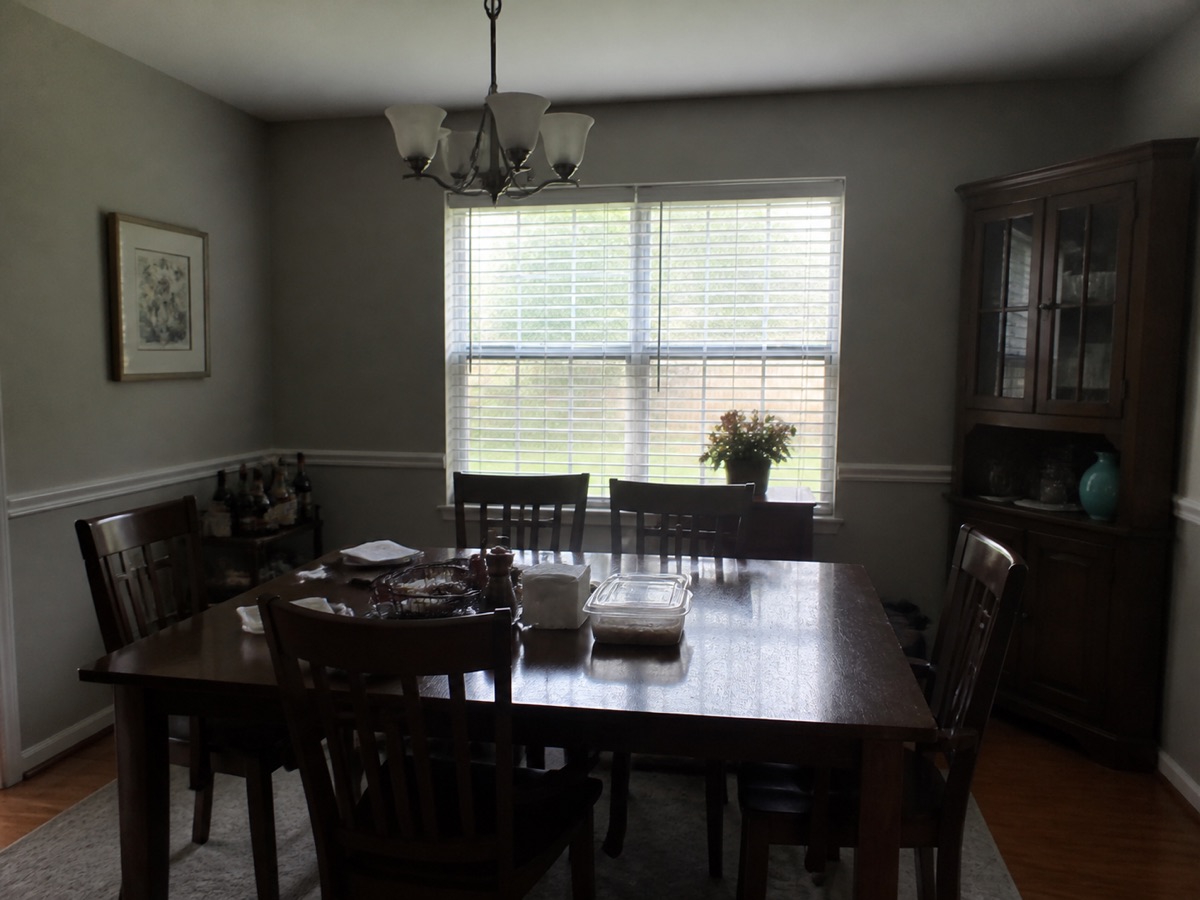 BeforeAfter
Drag the centre handle left or right, or focus it and use the arrow keys.
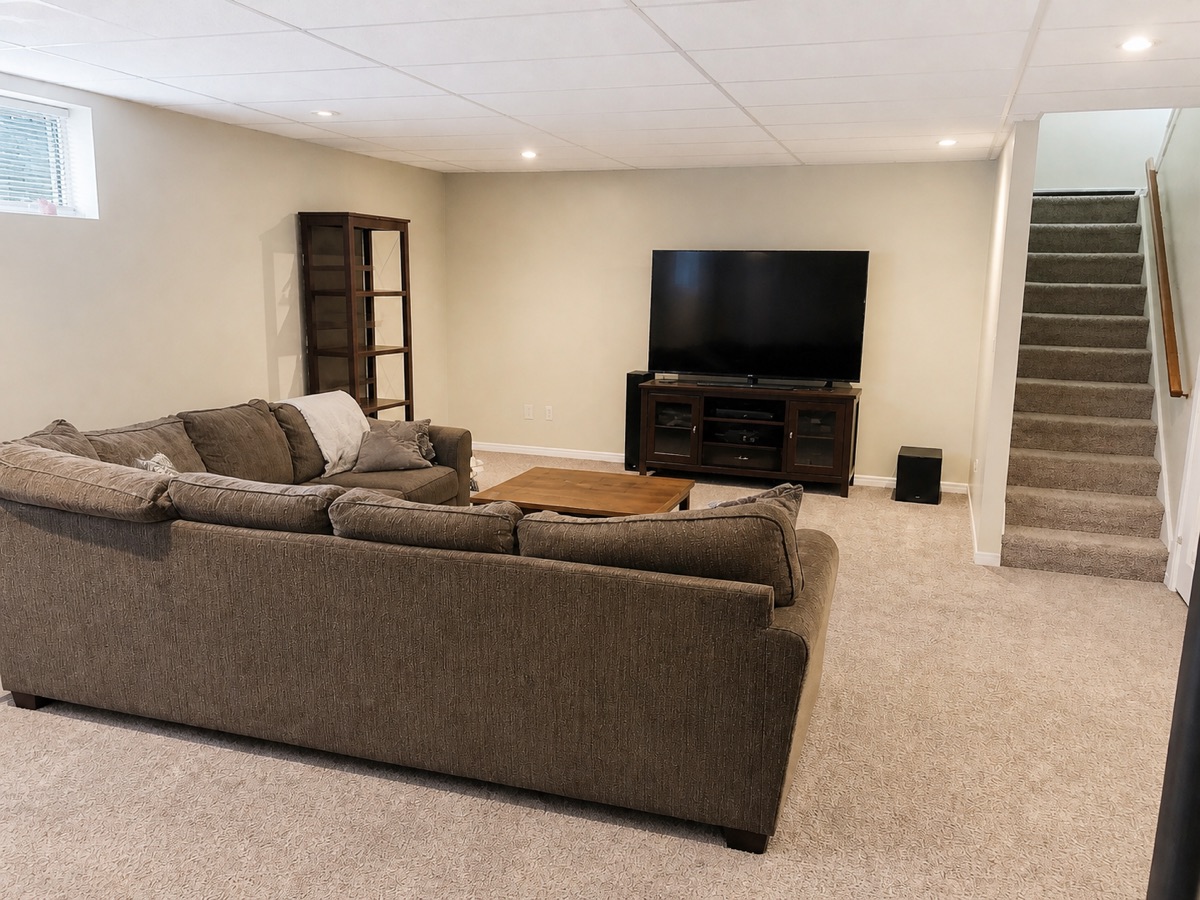
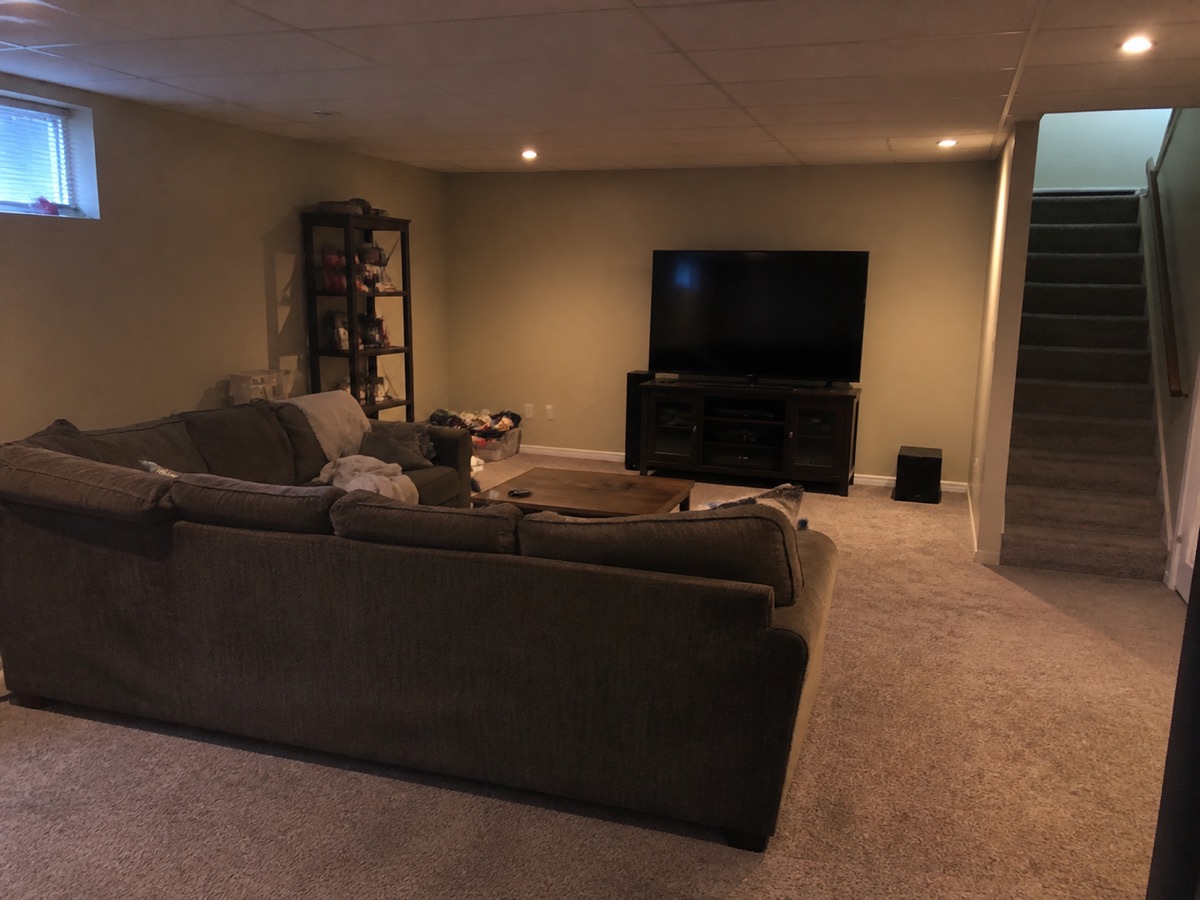 BeforeAfter
Drag the centre handle left or right, or focus it and use the arrow keys.
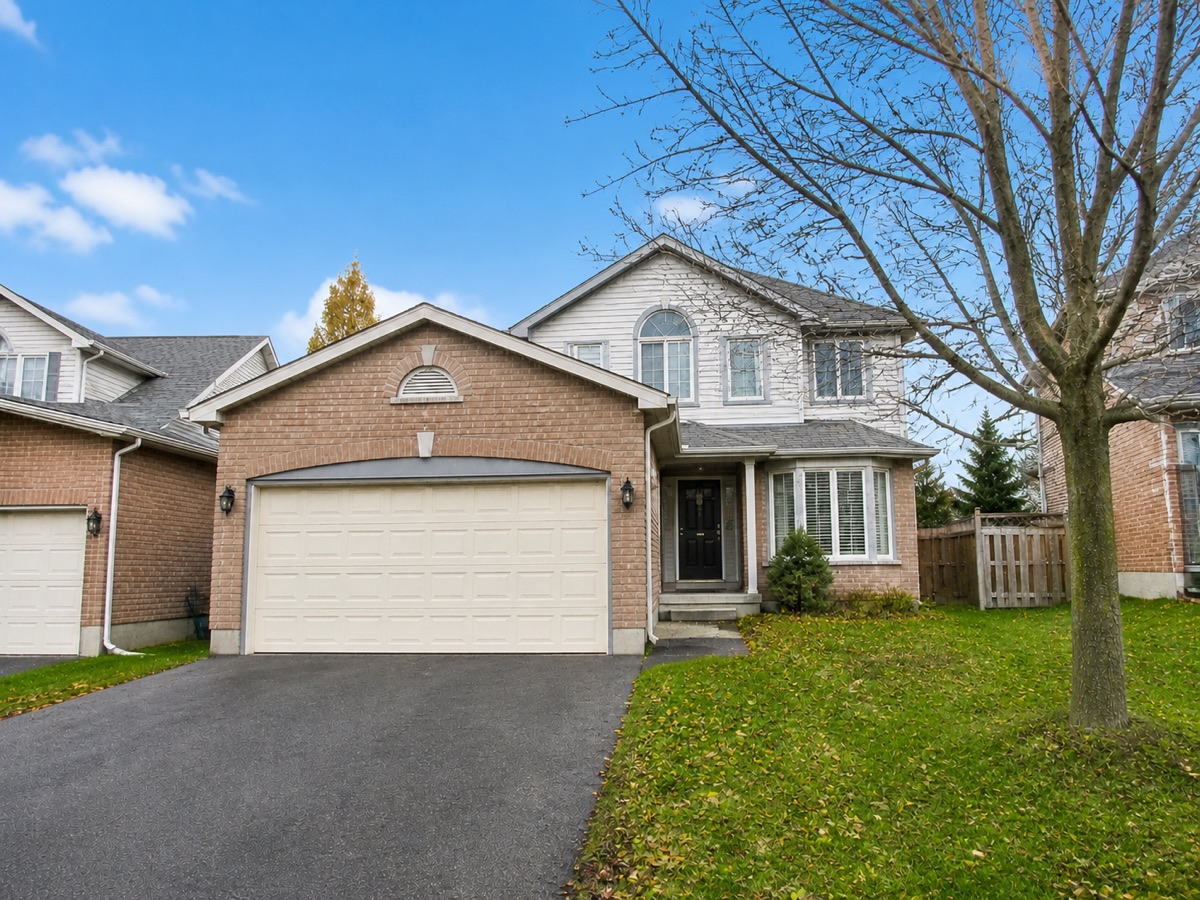
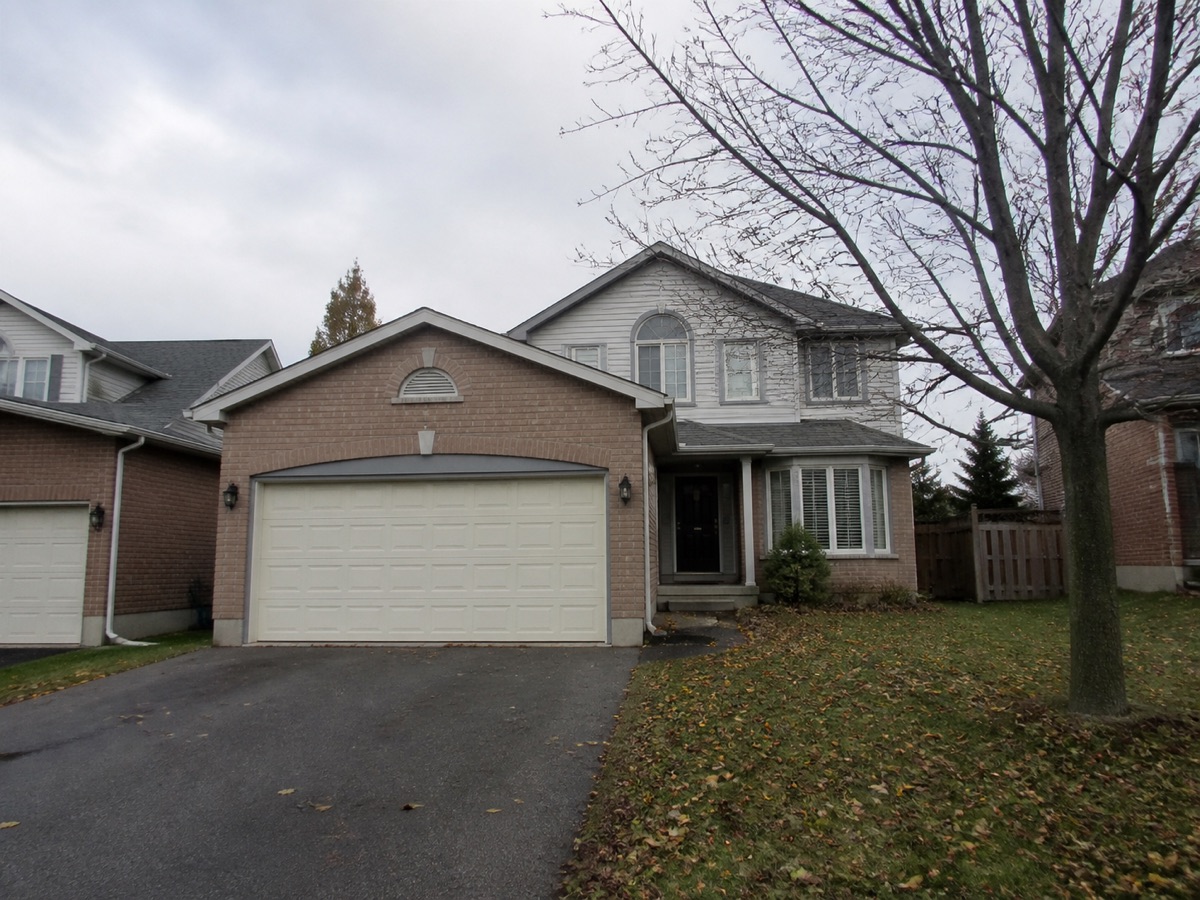 BeforeAfter
Drag the centre handle left or right, or focus it and use the arrow keys.
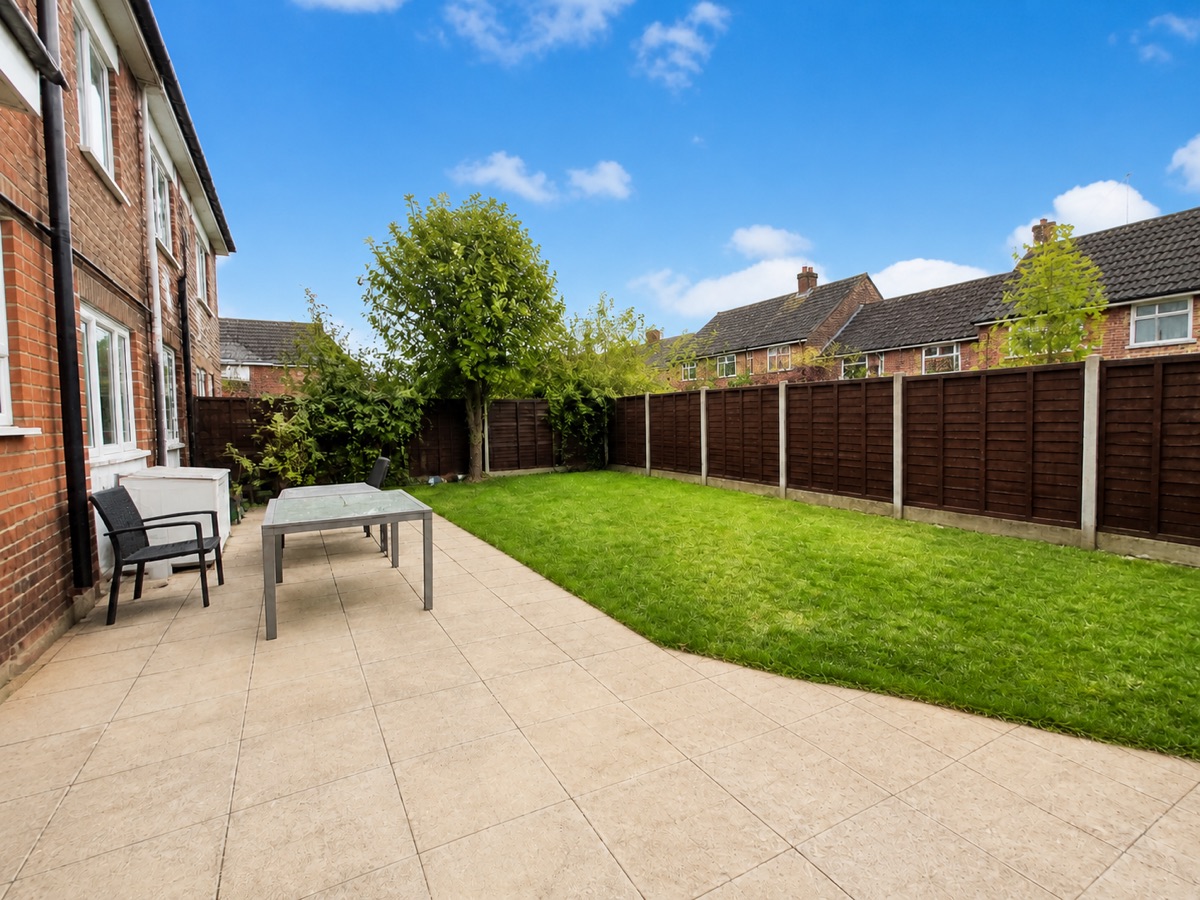
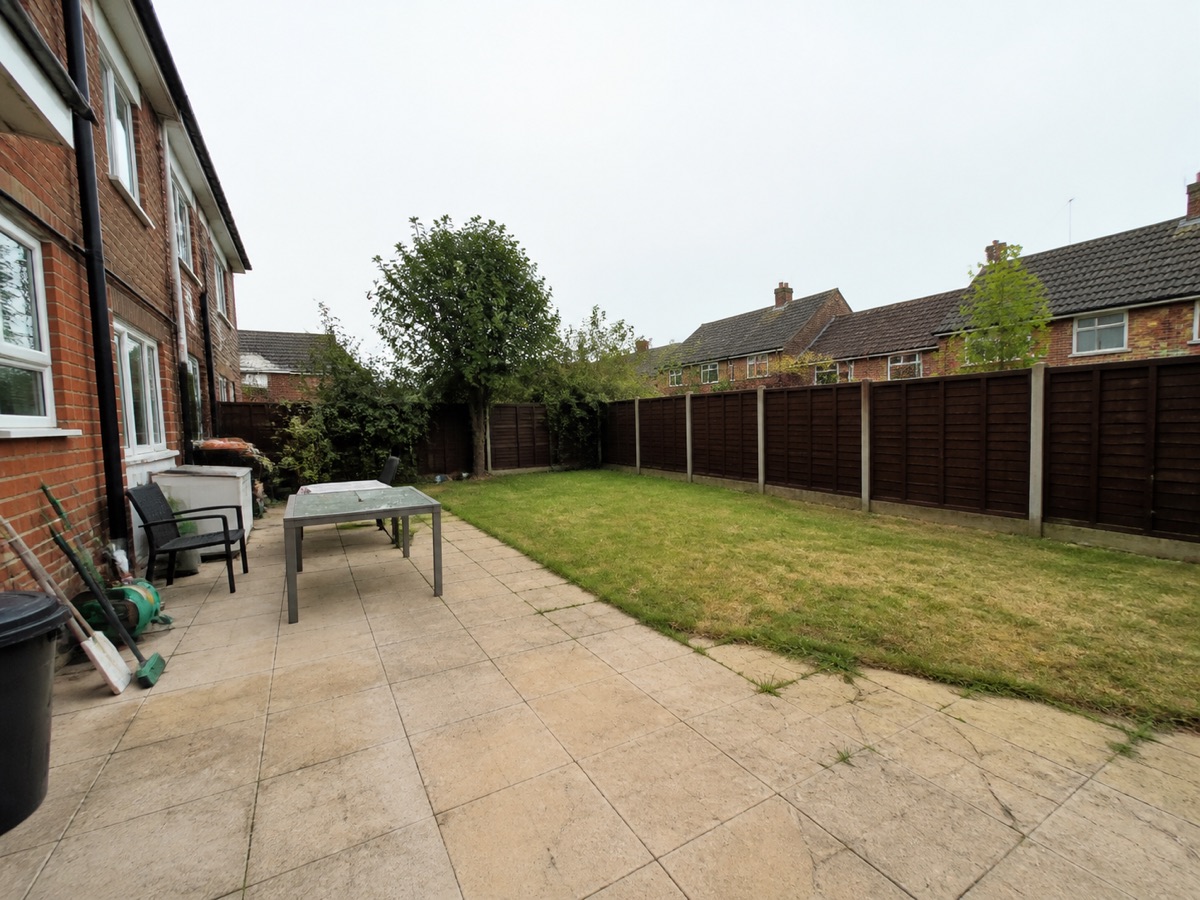 BeforeAfter
Drag the centre handle left or right, or focus it and use the arrow keys.
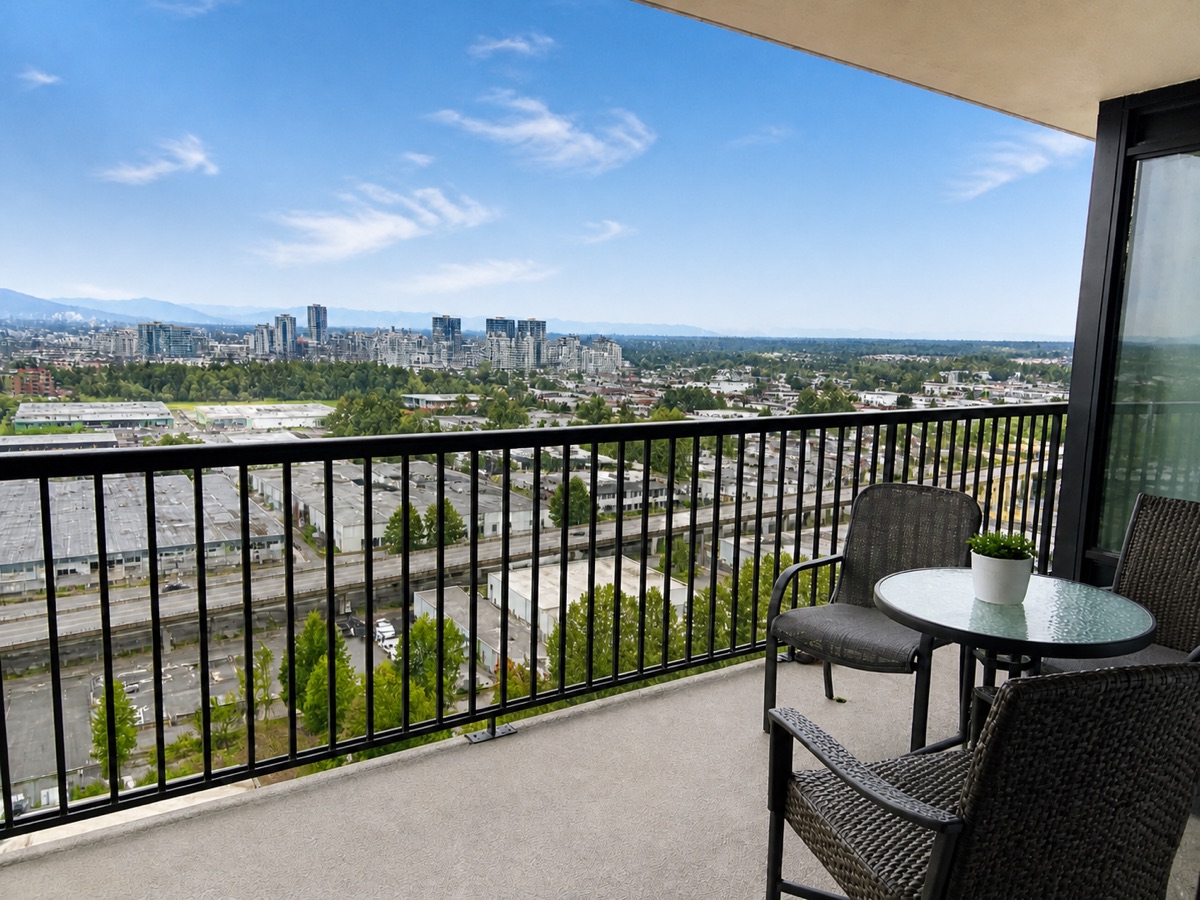
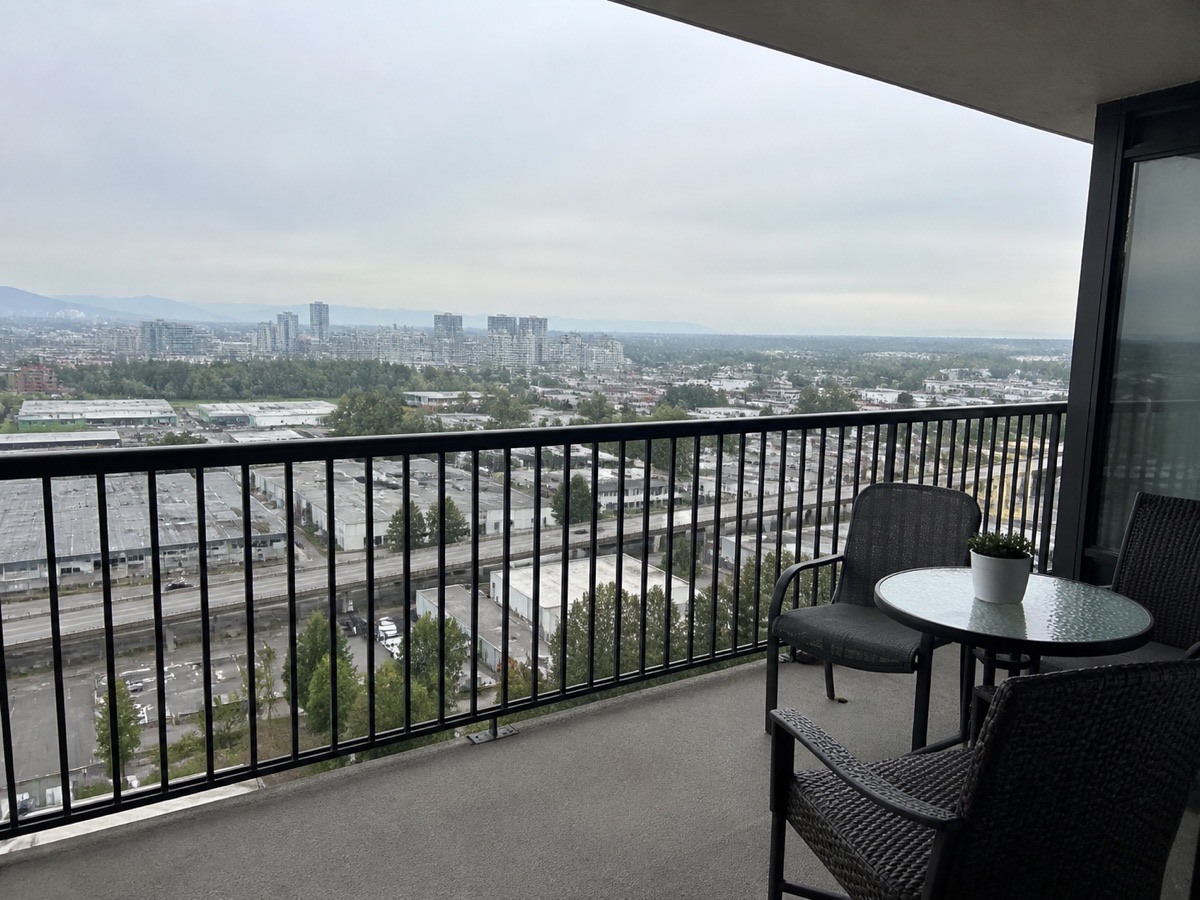 BeforeAfter
Drag the centre handle left or right, or focus it and use the arrow keys.
BeforeAfterDrag the centre handle left or right, or focus it and use the arrow keys.
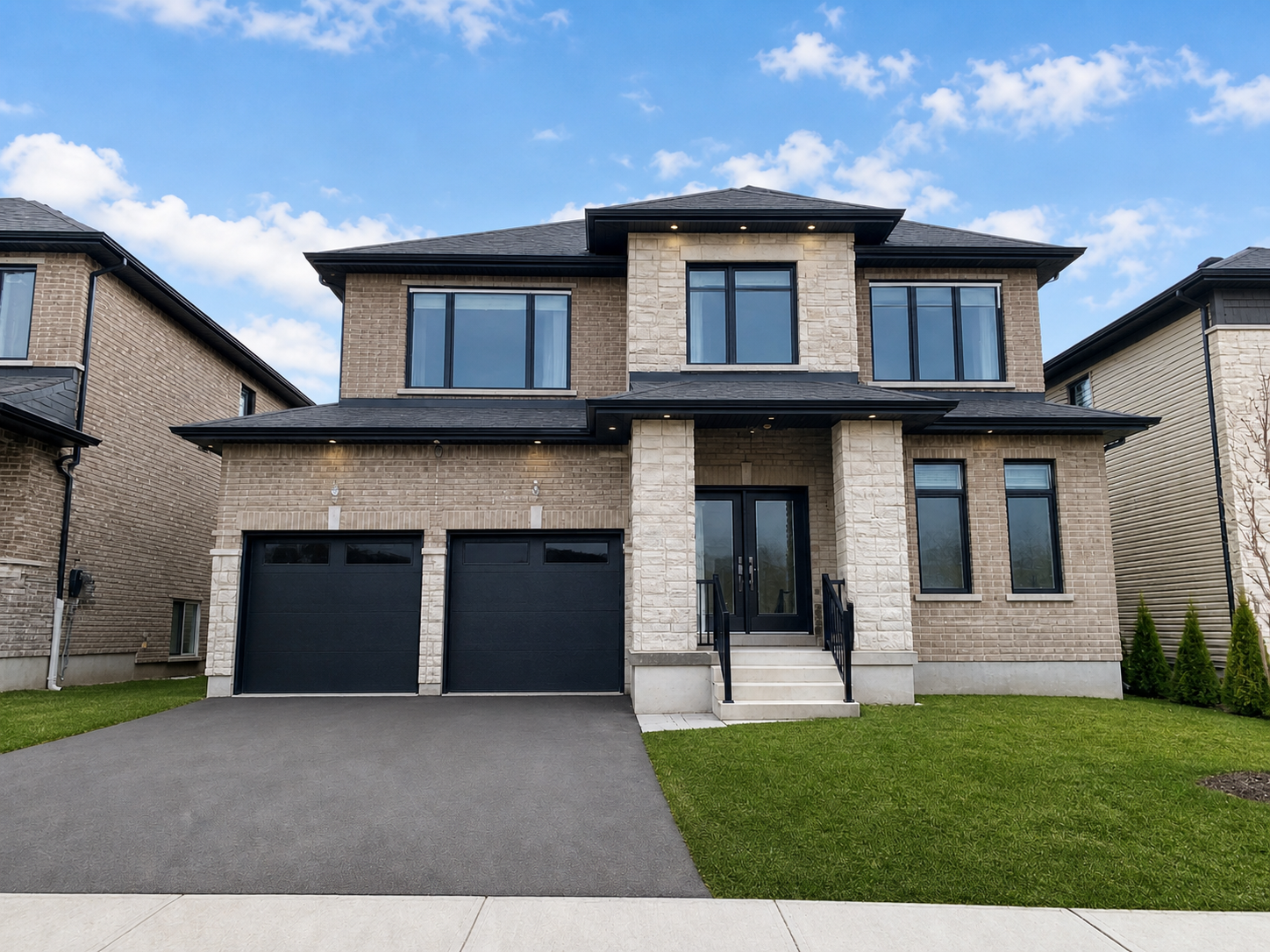
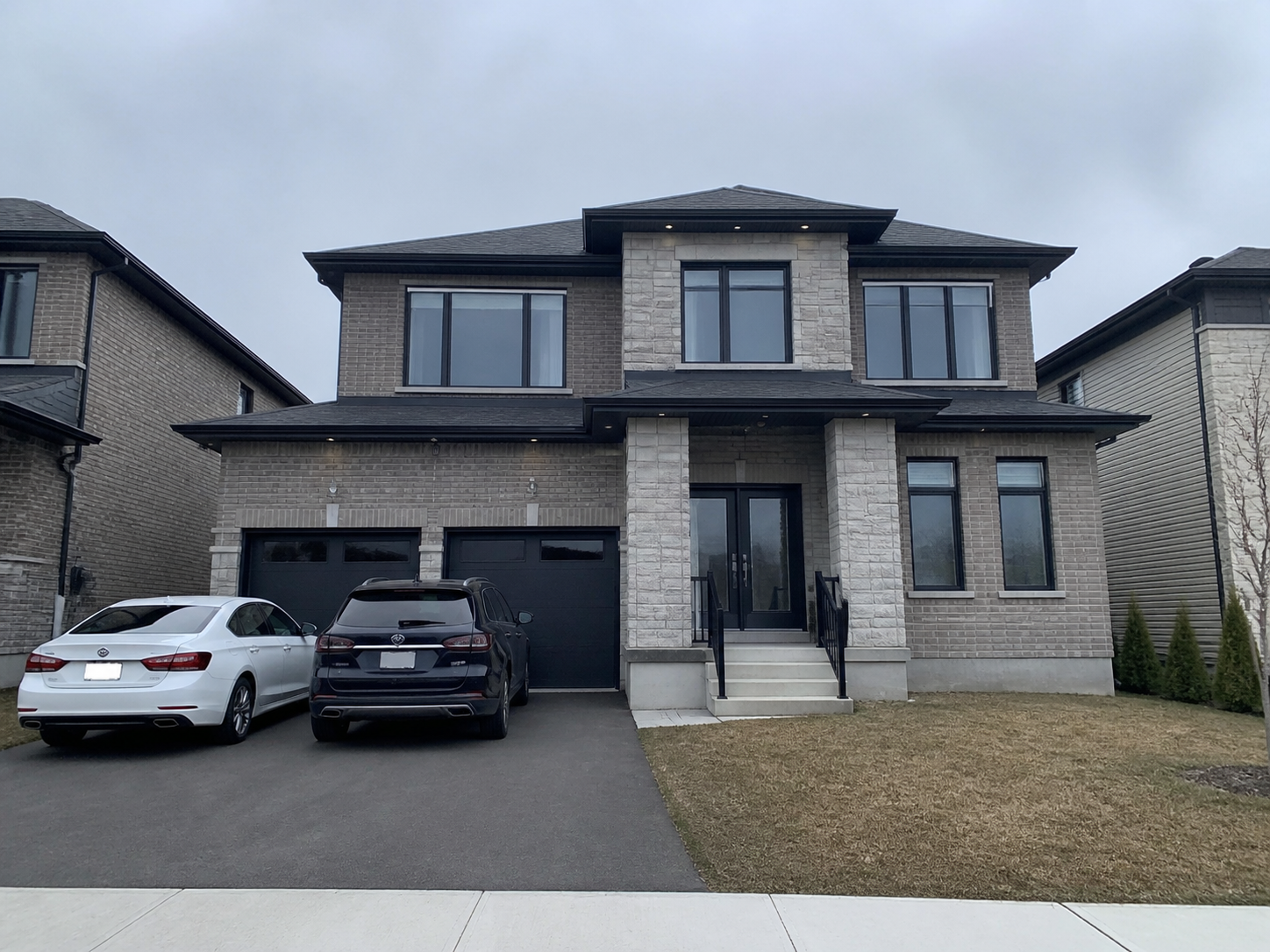 BeforeAfter
Drag the centre handle left or right, or focus it and use the arrow keys.
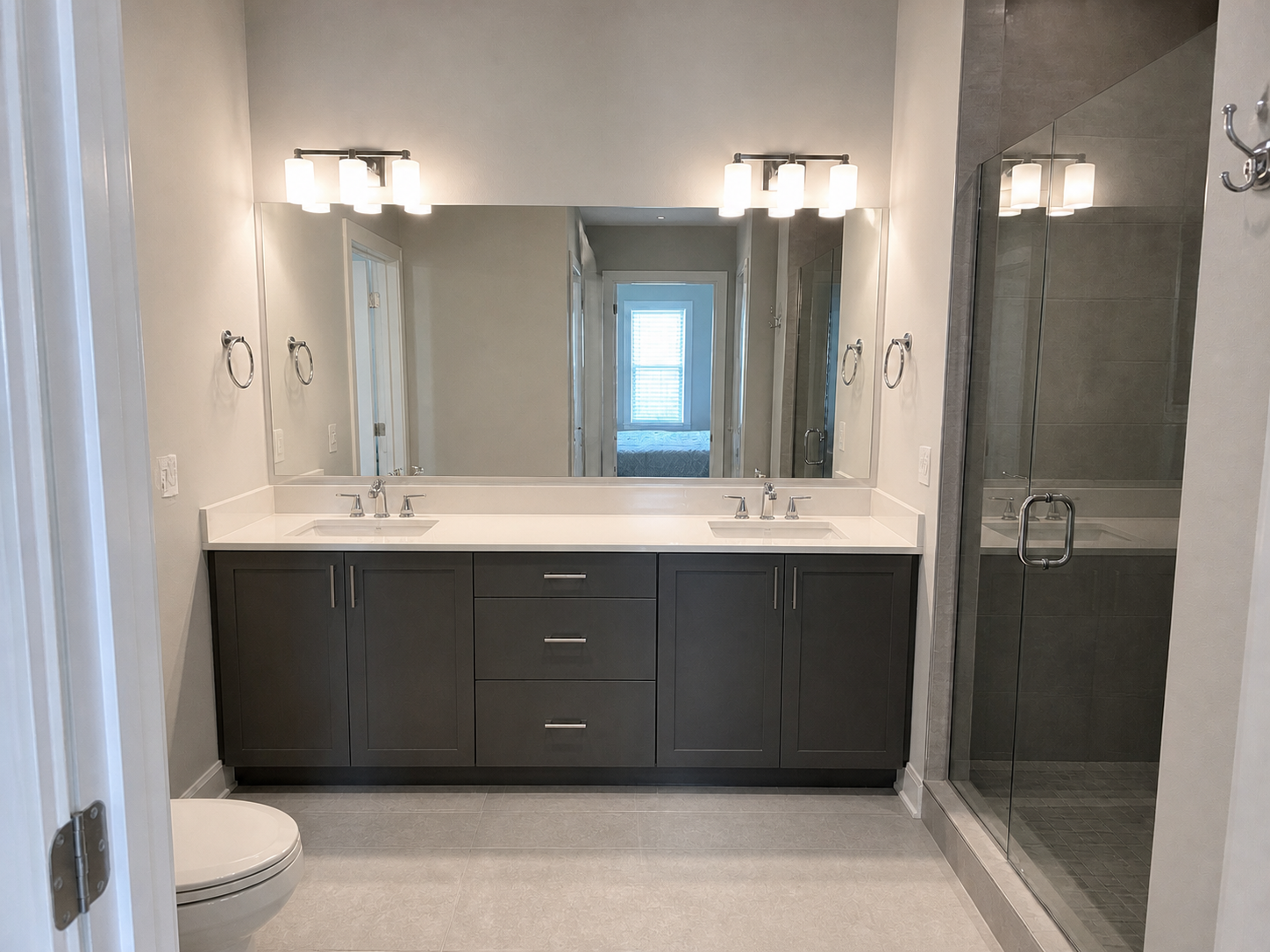
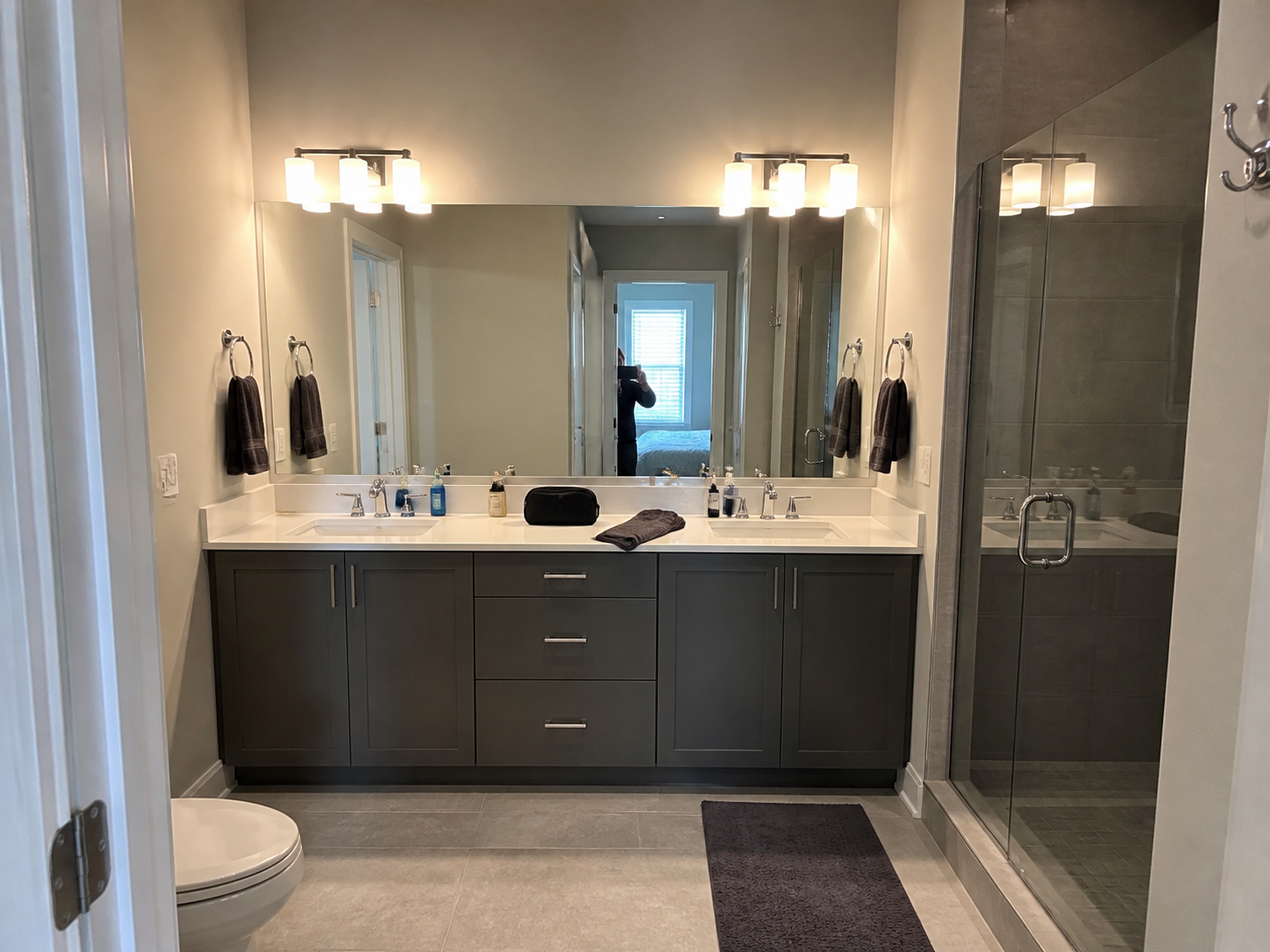 BeforeAfter
Drag the centre handle left or right, or focus it and use the arrow keys.
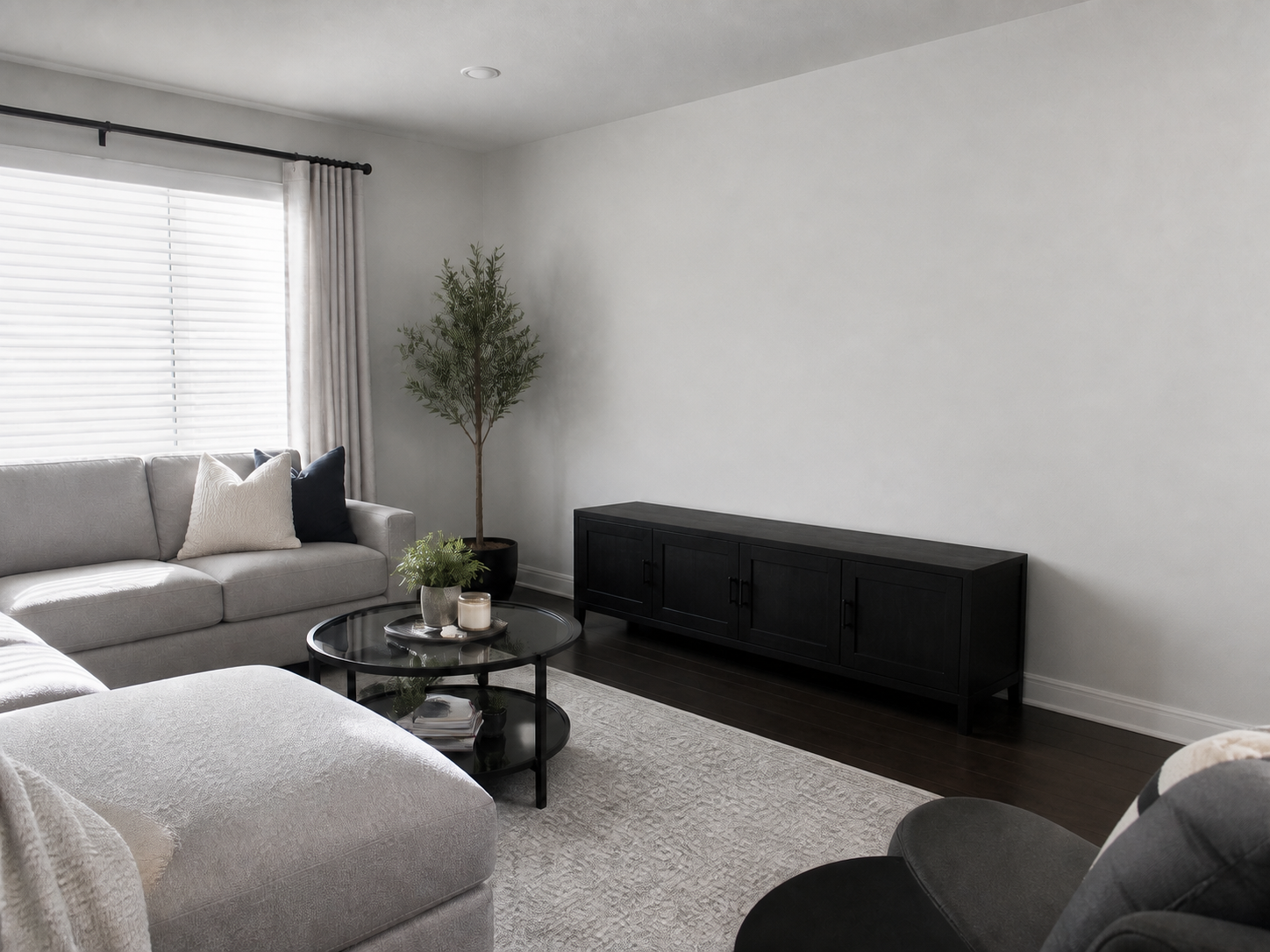
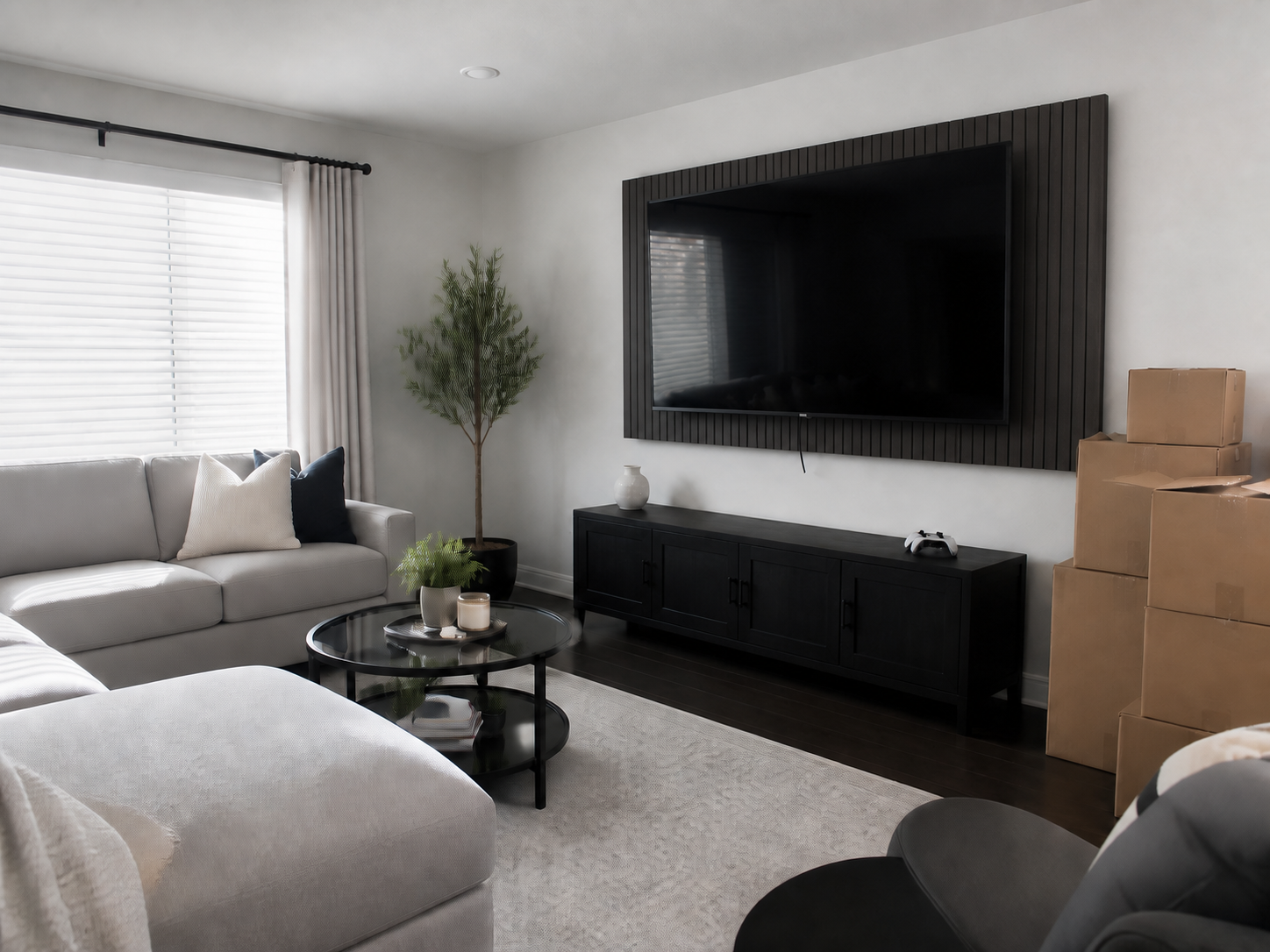 BeforeAfter
Drag the centre handle left or right, or focus it and use the arrow keys.
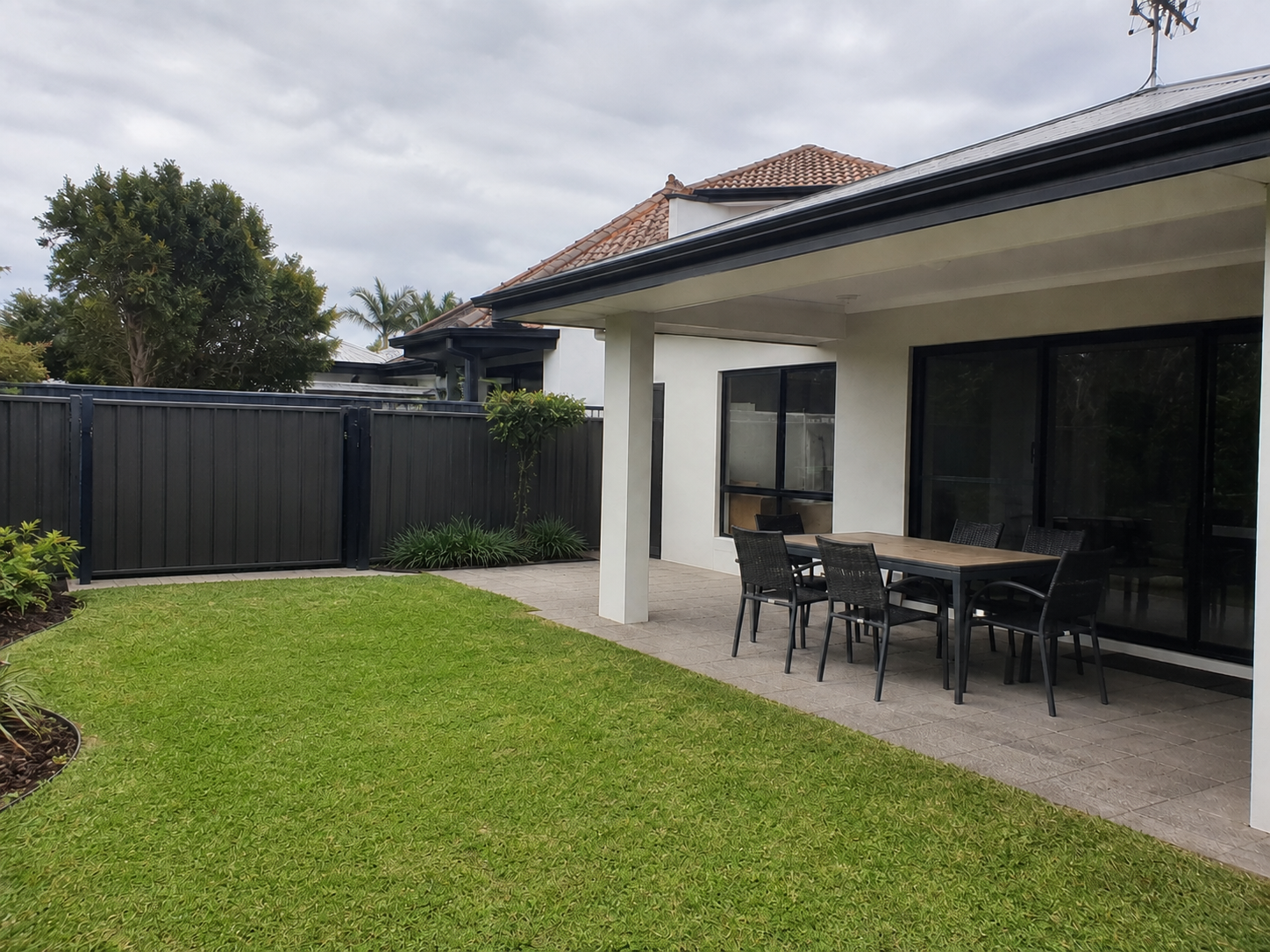
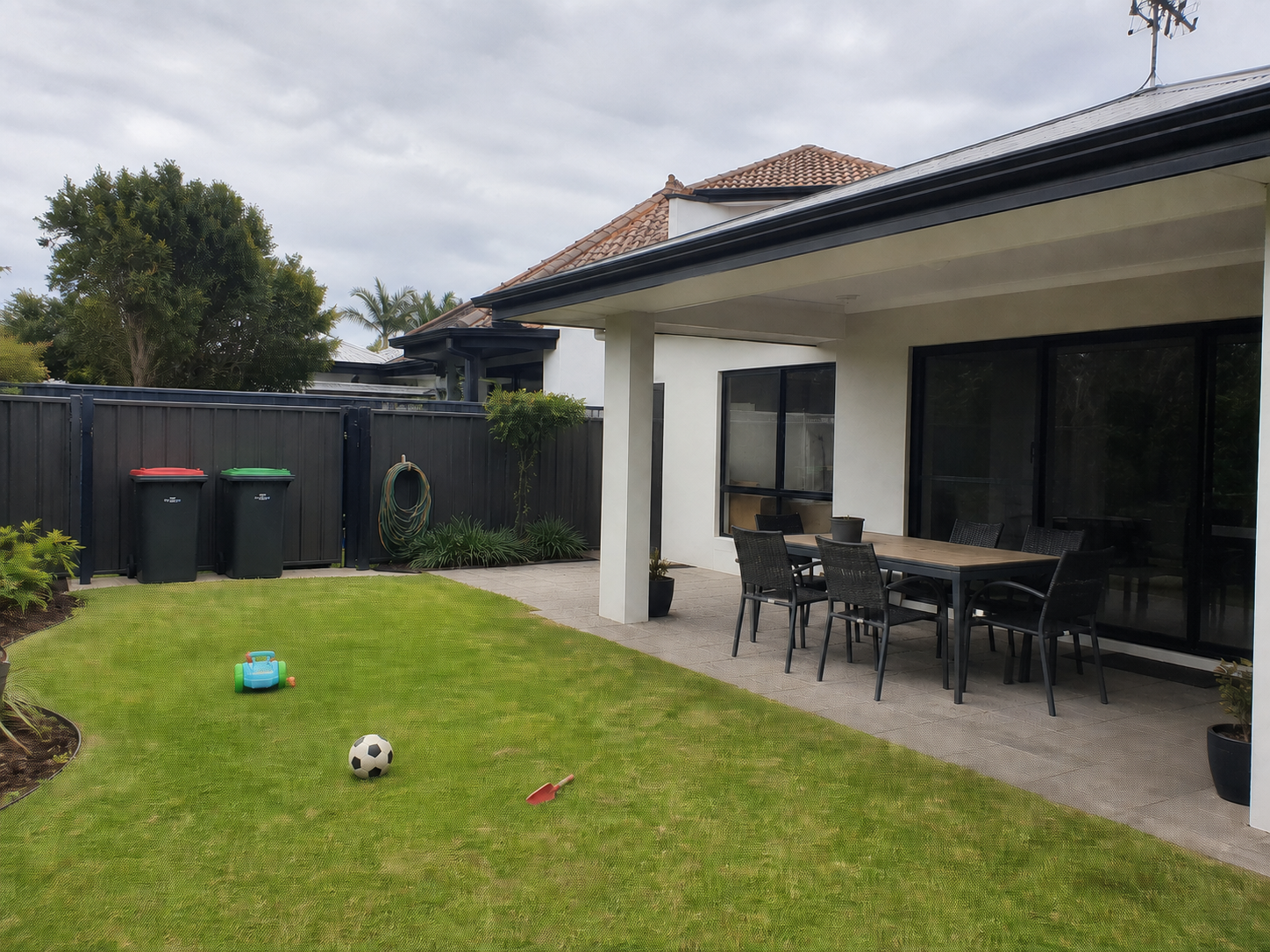 BeforeAfter
Drag the centre handle left or right, or focus it and use the arrow keys.
Quality checked
before professional editing
One workspace
from originals to delivery
Human reviewed
before finished photos arrive
A simpler path to listing-ready
Photo Hub removes the scattered folders, transfer links and status emails that usually sit between taking a photo and receiving the final edit.
Try up to five photos first. Photo Hub checks file quality, resolution, exposure, blur, tilt and vertical alignment without storing the test files.
Add original JPEG, PNG or HEIC photos from your phone or computer. Photo Hub groups them by upload and identifies rooms and scenes for faster review.
Choose the photos you want edited. A professional human editor reviews and adjusts every image individually, including any requested revisions.
Follow the order from submission through human editing and quality review. Approved, listing-ready photos return to the same organized project The Next Day.
Before you upload
Great editing starts with a well-framed original. Hold your phone level and use the camera grid to keep doors, windows and wall corners straight. Photo Hub accepts both landscape and portrait photos.
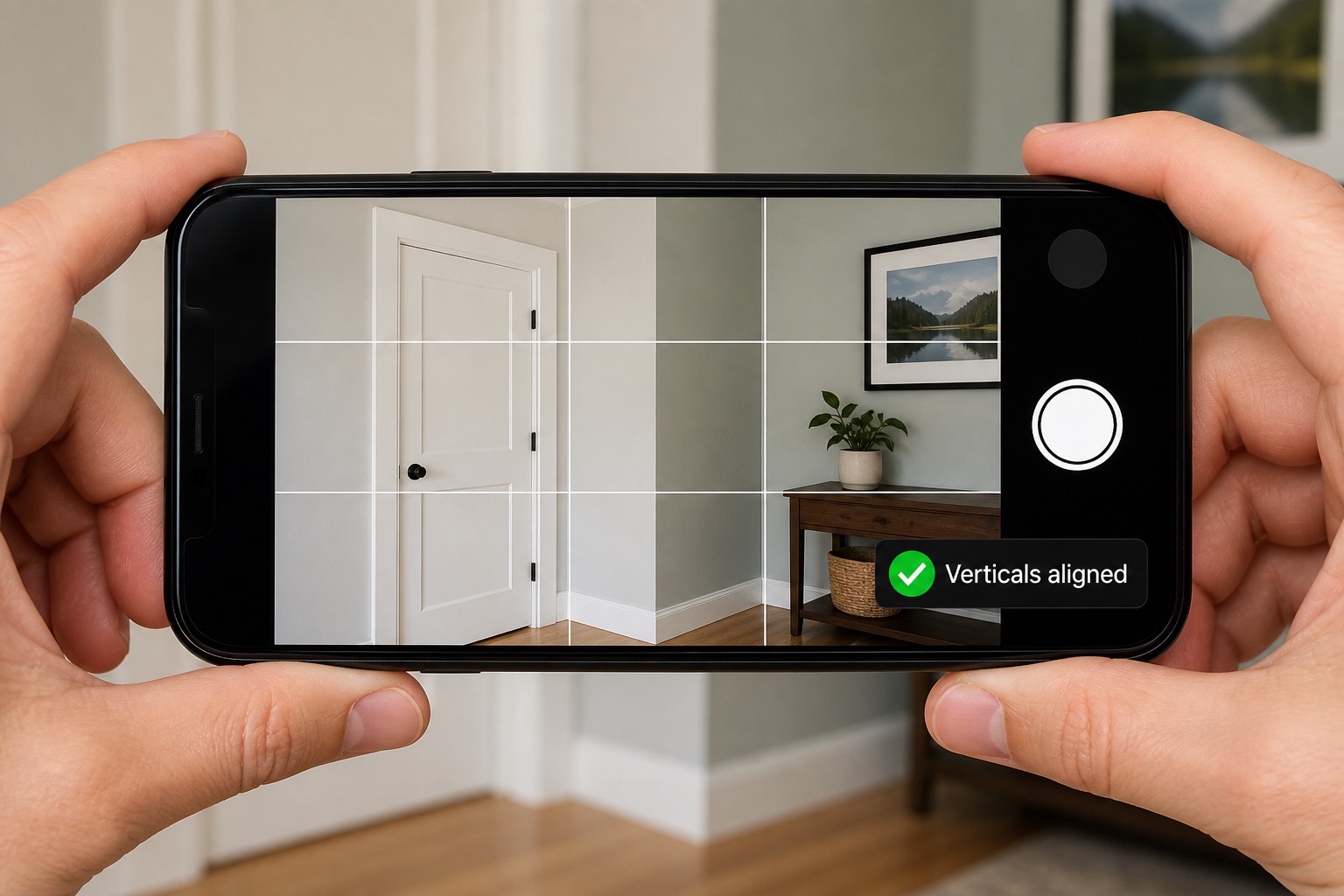
Hold the phone with both hands, keep it level, and line up the grid with a door frame or wall corner before taking the photo.
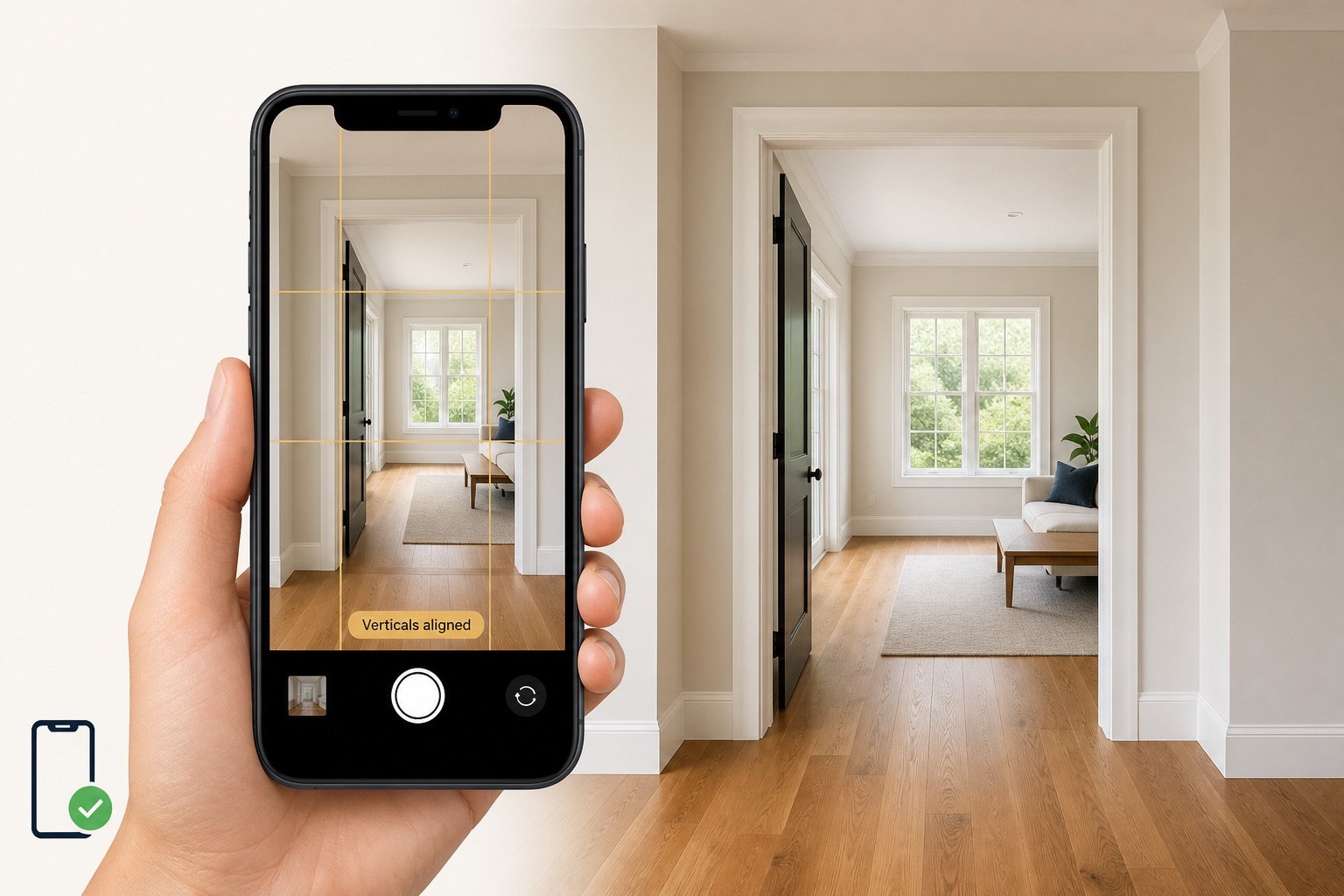
Keep the phone upright—not tilted forward or back—and use the doorway edges as your reference for straight vertical lines.
01
Use doors and wall corners as straight reference lines.
02
Step back enough to show the room without using a distorted angle.
03
Open blinds, turn on room lights and avoid heavy filters or digital zoom.
04
Send the camera file—not a screenshot or compressed chat copy.
Why Photo Hub
The real advantage is a workflow designed around the property: better inputs, fewer surprises, clear progress and finished media that stays organized.
Start with a cellphone or camera. Simple capture guidance helps you frame rooms well before editing begins.
Quality checks flag common issues such as blur, poor exposure, compression, tilt and low resolution while there is still time to retake.
A professional human editor reviews and adjusts each image individually. Revisions are completed by a person too, never by an automated editing bot.
Originals, room labels, selected edits, order status and finished media stay tied to the right property project.
See whether an order is submitted, being edited, in quality review, in revision or complete without searching through email threads.
Originals remain separate from approved edits, and customer delivery is designed around secure, project-specific access.
Editing possibilities
Begin with essential listing-photo polish, then use enhancement services when a property needs more help telling its story.

Living rooms, kitchens, bedrooms, bathrooms, exteriors and detail shots can be grouped for faster selection and review.
Simple pay-per-photo editing
No package required. Pay only for the photos you choose to have professionally edited. Your order keeps its property, originals, status and finished files together in Photo Hub.
Billing currency is based on the property country, not your current location: Canadian properties are billed in CAD; properties everywhere else are billed in USD.
Common questions
Photo Hub is designed for real estate agents and property professionals who need polished listing photos without managing editors, transfer links and delivery folders separately.
Yes. You can upload original photos from a phone or camera. For the strongest result, turn on the camera grid, keep the phone level, use natural light and avoid screenshots, messaging-app copies or digital zoom.
Photo Hub accepts original JPEG, PNG and HEIC still photos. Upload the original camera file whenever possible so the quality check and editor have the most image detail to work with.
Professional real estate photo editing is $1.25 CAD for Canadian properties or $1.25 USD elsewhere per edited photo. Billing currency is based on the property's country, not where you are browsing from. There is no package requirement — you pay only for the photos you choose to have professionally edited. Applicable taxes and separately priced premium enhancements are shown before payment.
Photo Hub can identify issues such as low resolution, heavy compression, blur, exposure problems, tilt and misaligned vertical lines. It also organizes uploaded photos by room or scene to simplify review.
Every paid Photo Hub project is edited by a real human editor. Each image is reviewed and adjusted individually, and requested revisions are completed by a human editor too.
The initial edited order is delivered The Next Day. Photo Hub keeps the promise simple and does not display an exact delivery time.
Go to m.bigpicture360.com on your phone or computer. Create or sign in to your BigPicture360 account, open Photo Hub and upload the original property photos there.
Create your BigPicture360 account, open Photo Hub and upload your property photos from your phone or computer. When usable media is ready, continue with Listing Market Ready to prepare the Property page, open house, social content, and print materials.
Tap “Open Photo Hub” to continue securely at m.bigpicture360.com.